
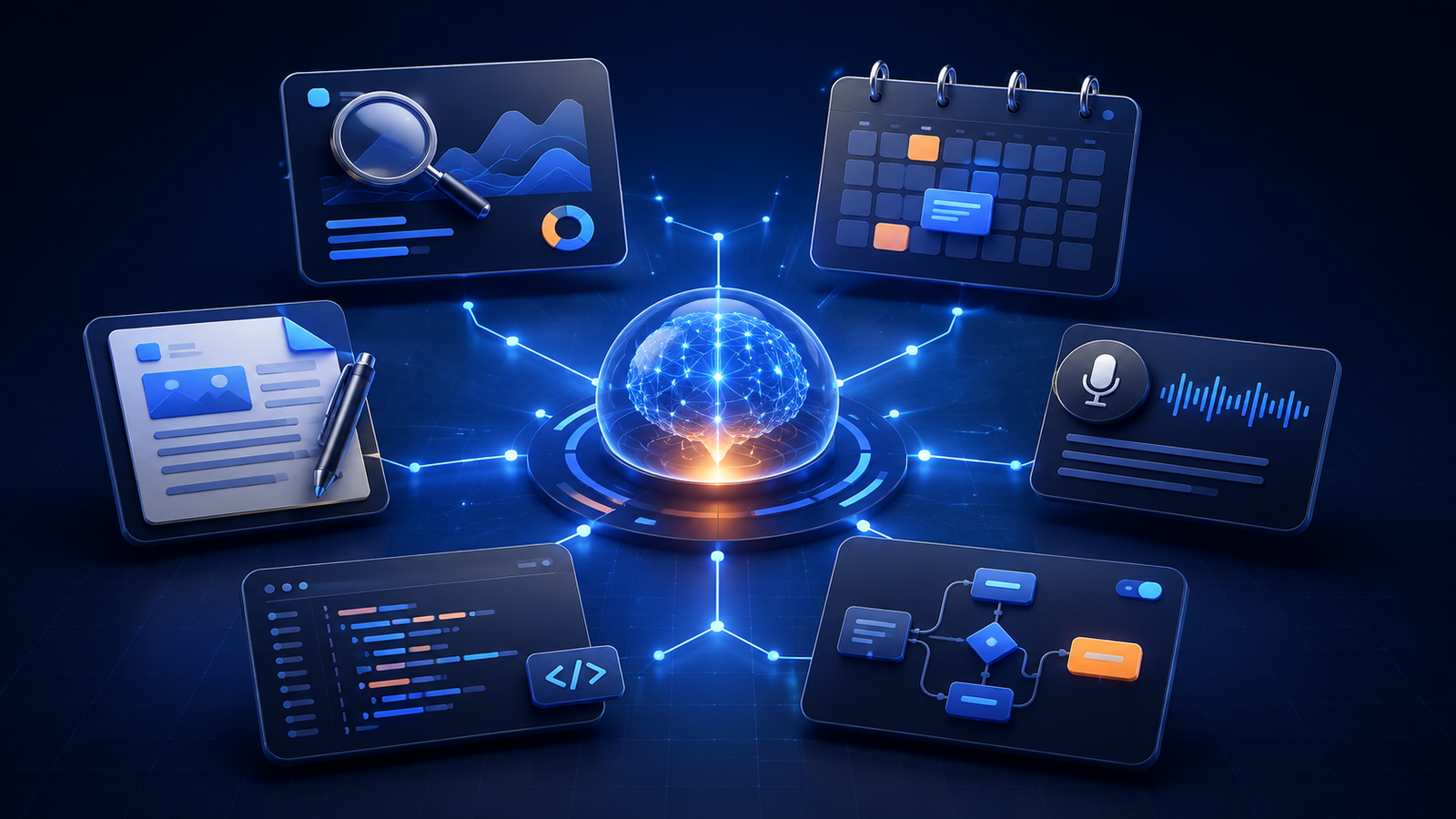
AI productivity tools can now support research, planning, writing, meetings, software development, and routine business operations. The useful question is no longer whether AI can help, but which tool solves a specific bottleneck without adding cost, complexity, or unnecessary risk.
The biggest gains usually come from delegating repeatable work—such as calendar scheduling, first-draft preparation, meeting-note organization, and routine code assistance—while keeping human review for accuracy and judgment. If you are deciding whether to subscribe, see when paid AI tools are worth the investment.
This guide compares practical AI productivity tools by workflow, explains where each category fits, and gives you a simple framework for building a lean AI stack in 2026.
1. Smart Workspace & Task Automation
If your daily schedule is frequently overwhelmed by conflicting meetings, unorganized action items, and lengthy email threads, intelligent workspace platforms offer immediate relief through automated task scheduling and documentation management.
Motion (UseMotion)
Best For: Automated calendar management and intelligent task blocking.
Motion goes beyond traditional to-do lists by functioning as an automated project manager. When you input task dependencies, priorities, estimated durations, and hard deadlines, Motion automatically generates dynamic time-blocks within your Google or Microsoft Outlook calendar. If an unexpected high-priority meeting arises, Motion intelligently shifts your remaining tasks to available focus slots without requiring manual rescheduling.
Notion AI
Best For: Centralized team documentation and knowledge retrieval.
With its recent agentic capabilities, Notion AI allows users to query their entire company workspace, project databases, and personal notes directly. Features such as instant Q&A enable teams to extract specific key insights from massive documentation repositories in seconds, convert meeting notes into actionable task lists, and generate concise summaries across hundreds of saved documents.
Reclaim.ai
Best For: Protecting focus time, habits, and meeting schedules.
Reclaim syncs seamlessly across calendars to protect daily routines, such as lunch breaks, exercise schedules, and deep-focus blocks. By dynamically maintaining flexible buffers around critical priorities, Reclaim prevents calendar congestion and helps professionals avoid burnout.
2. Next-Gen Research, Search & Deep Reasoning
Sifting through dozens of search engine result links to synthesize factual information is increasingly obsolete. Modern AI search engines provide verified, citation-backed analytical responses in seconds.
Perplexity AI
Best For: Real-time fact-checked research and multi-step reasoning.
Perplexity scans live web sources to deliver concise, citation-verified answers to complex questions. Its Pro Search mode executes deep multi-step reasoning, making it ideal for verifying documentation, conducting market research, and summarizing dense technical papers efficiently.
Claude and Claude Projects (Anthropic)
Best For: Advanced logical reasoning, extended context analysis, and natural long-form writing.
Anthropic’s Claude platform continues to set industry benchmarks for handling expansive text documents, complex financial balance sheets, and multi-file codebases. Through its Artifacts workspace and extensive context windows, users can analyze large datasets while maintaining a natural, highly human-like writing tone.
ChatGPT Canvas & Deep Research (OpenAI)
Best For: Interactive content editing and exhaustive multi-page analytical reports.
The Canvas interface in ChatGPT enables real-time side-by-side editing, precise targeted text rewrites, and immediate inline adjustments. Meanwhile, OpenAI’s Deep Research mode generates multi-page analytical summaries and whitepapers by autonomously sourcing and verifying information across multiple web resources.
3. Meeting Assistants & Audio Intelligence
Attending consecutive virtual meetings and manually taking meeting notes often drains valuable cognitive bandwidth. AI audio tools automate live transcription, summarize key discussions, and extract clear action items.
Fireflies.ai & Otter.ai
Best For: Automated meeting transcription, key point summaries, and CRM integration.
These specialized AI meeting bots seamlessly join Zoom, Google Meet, or Microsoft Teams calls to provide speaker-identified transcription in real time. Upon call completion, they automatically distribute condensed 5-bullet summaries and assigned action items directly to team channels like Slack or Notion.
Krisp.ai
Best For: Real-time background noise suppression and voice clarity.
For individuals working in busy co-working hubs, cafes, or home offices, Krisp cancels ambient noise, barking pets, and keyboard clatter bidirectionally during live audio calls. It also includes integrated call recap capabilities for quick review post-meeting.
4. Developer Productivity: AI-Native Coding Tools
Software development workflows have shifted from purely manual coding toward architectural direction and automated refactoring using specialized code editors.
Cursor AI
Best For: Whole-codebase context, automated refactoring, and multi-file generation.
Built on VS Code, Cursor reads your entire workspace repository to maintain complete project context. Developers can issue natural language directives to fix bugs, refactor architecture, or integrate complex external APIs across dozens of files simultaneously.
v0 by Vercel
Best For: Rapid user interface (UI) and frontend component prototyping.
By inputting simple text descriptions or wireframe imagery, v0 generates production-ready React, Next.js, and Tailwind CSS UI components that developers can instantly copy directly into their active projects.
5. Visuals, Presentations & Content Creation
Designing presentation decks and marketing collateral manually can consume hours. Generative visual suites reduce design overhead significantly.
Gamma App
Best For: Instant creation of presentations, documents, and web pages.
Instead of manually arranging deck layouts, users can feed raw text notes or outline prompts into Gamma. Within seconds, Gamma generates visually polished, fully editable slide decks with typography, structured cards, and contextually relevant visual assets.
Canva Magic Studio
Best For: Social media graphics and rapid marketing asset creation.
Canva’s Magic Studio simplifies media creation through background removals, automated image resizes across social platforms via Magic Switch, and instant text-to-graphics generation tailored for non-designers and marketing teams alike.
6. Autonomous Workflows & AI Agents
The most defining trend in 2026 is the migration from single-prompt web tools toward autonomous, multi-agent workflow systems. If you want to dive deeper into business automation options, read our guide on the 7 best AI tools for small business.
- Zapier Central & Make.com: Connect your favorite operational applications (Gmail, Slack, Airtable, CRM platforms) with smart triggers. For instance, when a lead form is submitted, AI automatically summarizes the lead profile, generates a custom email response draft, and posts a summary notification to Slack.
- Computer-Use AI Models: Advanced screen-aware AI models can now navigate web applications, click user interface elements, and complete repetitive data-entry processes across legacy web forms autonomously.
Building Your Ideal 4-Layer AI Productivity Stack
Instead of subscribing to dozens of overlapping software services, build a clean 4-layer stack based on your specific primary daily tasks. Before committing to monthly plans, learn how to choose the right AI tool without wasting money.
| Workflow Layer | Recommended Tools | Primary Operational Benefit |
|---|---|---|
| 1. Search & Deep Reasoning | Perplexity AI / Claude | Fact-checked research, complex analysis, and long-form writing. |
| 2. Task & Calendar Management | Motion / Reclaim.ai | Automated time-blocking, priority balancing, and schedule protection. |
| 3. Content & Workspace Hub | Notion AI / Gamma App | Centralized knowledge search, documentation, and instant slide generation. |
| 4. Audio & Communication | Fireflies.ai / Krisp.ai | Noise-free virtual meetings, accurate notes, and automated task dispatch. |
Which AI Productivity Tool Should You Choose?
Start with the bottleneck that costs you the most time. Use a research assistant for source discovery, a workspace assistant for scattered knowledge, a scheduling tool for calendar overload, or an automation platform for repetitive handoffs. Test one tool on a real weekly task before adding another subscription.
- Research and source discovery: Perplexity or an assistant with web research features.
- Documents and team knowledge: Notion AI or a comparable workspace assistant.
- Calendar planning: Motion or Reclaim.
- Meeting notes: Fireflies, Otter, or a privacy-approved alternative.
- Software development: Cursor or another repository-aware coding assistant.
- Cross-app automation: Zapier or Make after the manual workflow is stable.
Before paying, confirm export options, privacy controls, integrations, usage limits, and cancellation terms. Features and plans change, so verify the current details on the provider’s official website.
Best Practices: How to Use AI Productivity Tools Responsibly
To maximize efficiency without exposing your organization to unnecessary risks, keep these critical guidelines in mind:
- Verify Output Accuracy (Avoid Hallucinations): Always double-check quantitative data, legal clauses, domain-specific terminology, and generated code before publication or deployment.
- Maintain Strict Data Privacy: Refrain from uploading non-public company financials, user passwords, or confidential customer details into public AI models without verifying zero-data retention policies.
- Conduct Periodic Subscription Audits: AI subscriptions add up quickly. Periodically evaluate your software stack using our guide on how to audit your AI subscriptions to prevent redundant software spending.
- Context-Rich Prompting: The quality of an AI tool’s output depends directly on the context provided in your prompt. Always supply clear examples, role definitions, formatting guidelines, and clear constraints.
Common AI Productivity Traps to Avoid
- Buying overlapping subscriptions: one capable general assistant plus one specialist is often enough.
- Automating a broken process: simplify the workflow first, then automate it.
- Trusting outputs without review: verify facts, citations, calculations, and customer-facing copy.
- Ignoring data policy: do not paste confidential, regulated, or proprietary information into tools that your organization has not approved.
- Measuring novelty instead of results: keep a tool only if it saves time, improves quality, or increases revenue in a repeatable way.
Frequently Asked Questions (FAQ)
What is the single best AI productivity tool for beginners?
For general daily productivity, versatile platforms like ChatGPT or Claude combined with an AI research tool like Perplexity offer the best starting point. They require minimal learning curve and assist across writing, editing, research, and analysis.
Can AI productivity tools work together automatically?
Yes. Integration engines like Zapier Central and Make.com allow independent AI tools to interact with your email clients, cloud databases, and team messaging apps to create seamless end-to-end automated workflows.
Are free tiers sufficient for daily productivity?
Free plans for tools like Perplexity, ChatGPT, Notion, and Canva provide strong basic features suitable for casual tasks. However, power users who require higher usage limits, advanced multi-modal models, or full automated calendar management generally benefit from upgraded paid tiers.
Compare your options before subscribing: explore our AI Tools directory, learn how to choose the right AI tool, and check when a paid plan is worth it.
Conclusion
While artificial intelligence software won’t replace human creativity and strategic judgment, professionals who leverage modern AI tools effectively will outpace those who rely solely on manual workflows. The objective of adopting AI tools is not simply to cram more work into your day, but to complete routine operational tasks faster so you can focus on high-value initiatives. Pick one or two tools from this list, integrate them into your weekly workflow, and observe the boost in your daily personal output.