
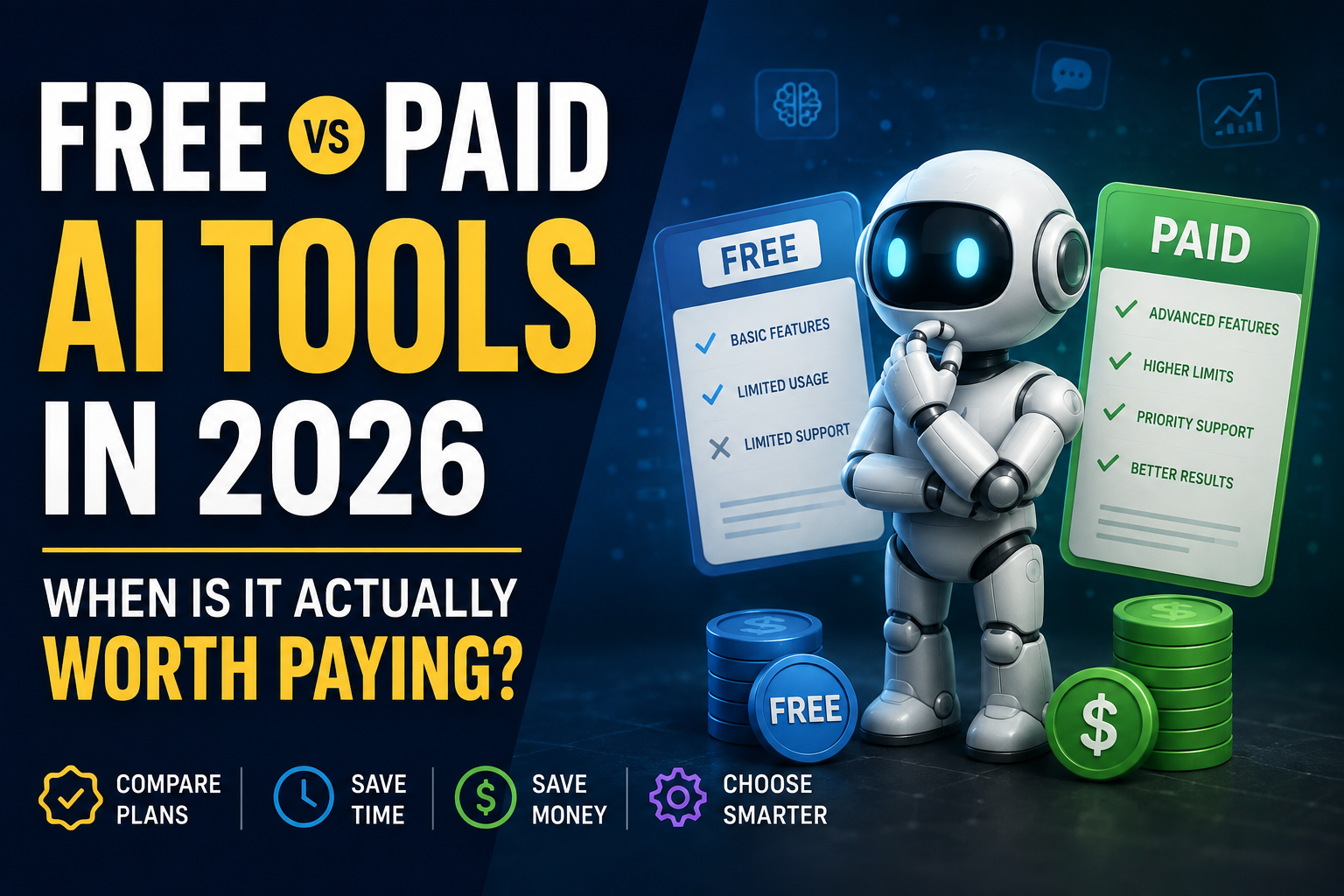
Paying for an AI tool can feel like an obvious upgrade. The paid plan usually promises higher limits, better models, faster responses, more storage, or features that are unavailable to free users.
But that does not automatically make it a better choice.
For many people, a free AI tool already does everything they realistically need. For others, the limitations of a free plan start wasting enough time that paying becomes reasonable.
The difficult part is knowing which situation you are in.
Instead of asking whether free or paid AI is “better,” it is more useful to ask a simpler question:
What would I actually gain by paying?
If you cannot answer that clearly, you probably do not need to upgrade yet.
Start With the Free Version
For a new tool, the free plan is usually the best place to start.
Not because free plans are always sufficient, but because they show you whether the product fits the way you work.
A demo video can make almost any AI tool look impressive. Real use is different.
Try using the tool for tasks you normally do.
If you want an AI writing assistant, use it to draft a real email or improve something you have already written.
If you are testing an image tool, try to create something you would actually use on a website, presentation, or social-media post.
If you need help with research, ask questions about a subject you understand well enough to notice weak or inaccurate answers.
A few real tasks will tell you much more than a long feature list.
The Best Free Plan Is the One You Don’t Outgrow
Free plans usually come with restrictions.
You might get fewer requests, smaller uploads, limited image generations, slower processing, fewer exports, or access to only some models.
That can sound restrictive when you read a pricing page.
In practice, those limits may not matter at all.
If you use a tool three or four times a week and never reach its limits, paying for a higher allowance gives you very little benefit.
There is no prize for having the premium version.
If the free plan consistently gets the job done, staying free is a perfectly sensible decision.
When Free Starts Becoming Expensive
A free product can eventually cost you something more valuable than money: time.
Imagine you use an AI assistant throughout your working day and repeatedly hit its usage limit.
You wait, switch to another tool, copy your work across, rebuild the context, and continue.
That may be manageable once.
If it happens every day, the free plan has started creating friction.
This is one of the clearest signs that upgrading may be worthwhile.
The same applies when a premium feature removes a task you otherwise have to do manually.
Paying makes sense when the paid version solves a problem you are already experiencing—not a problem a pricing page tells you that you might have someday.
Don’t Judge a Subscription by Price Alone
It is tempting to compare two tools by looking only at their monthly prices.
That rarely tells the full story.
A cheaper product can be poor value if its limits force you to buy extra credits or spend more time correcting its output.
A more expensive tool can sometimes be better value if it replaces several smaller services or saves a meaningful amount of work.
Suppose an AI tool costs ₹1,000 a month.
For someone who opens it twice a month, that is probably unnecessary.
For a freelancer who uses it every day and saves several hours of repetitive work, the same ₹1,000 may be easy to justify.
The price is identical.
The value is completely different.
Paid Does Not Always Mean Better Output
One assumption worth avoiding is that a paid plan will automatically produce dramatically better results.
Sometimes it does.
Sometimes the main differences are higher usage limits, additional features, faster access, or better integrations.
And sometimes the free version already provides enough quality for the task.
That is why you should identify the exact reason you are considering an upgrade.
Is the free version too limited?
Is an important feature locked?
Do you need larger uploads?
Do you need better exports?
Do you need more generations?
Do you need team access?
If you do not know what you are paying to unlock, wait.
For Students, Free Can Go a Long Way
Students are one group that can often get a lot of value without paying.
Free AI tools can help with brainstorming, explanations, study plans, summaries, language practice, basic coding questions, and organizing notes.
That does not mean students should blindly trust AI-generated answers. Important facts should still be checked, especially for assignments and research.
A paid plan becomes more useful when a student regularly works with large files, needs higher usage limits, or depends on features unavailable in a free account.
Before paying, it is also worth checking whether a university, school, or another service already provides access to similar technology.
Paying twice for the same capability makes little sense.
Freelancers Should Think in Terms of Time
The calculation is different for freelancers.
If an AI tool helps you finish paid work faster, its subscription has a direct connection to your income.
A writer may use AI for research and editing.
A designer may use it for concepts, backgrounds, or repetitive image work.
A developer may use it to understand unfamiliar code or troubleshoot problems.
A marketer may use it to generate variations and organize ideas.
In those cases, the question is not whether the tool is entertaining or impressive.
The question is whether it improves the economics of your work.
If a subscription costs less than the value of the time it reliably saves, paying can make sense.
Small Businesses Should Be More Selective, Not Less
Businesses can easily accumulate software subscriptions.
One employee wants an AI writer.
Another wants an image generator.
Someone else needs meeting summaries.
A marketing team wants automation.
Before long, the company is paying for several overlapping products.
Small businesses should therefore be especially careful.
Start with the problem.
If customer emails are taking too long, test tools for that problem.
If creating marketing material is the bottleneck, test tools for that.
If a subscription cannot be connected to a specific recurring need, there may be no reason to add it.
For teams, it is also worth checking whether an existing product already includes AI features before purchasing another standalone service.
Be Careful With Credit-Based Plans
Some AI services do not simply give you unlimited access after you subscribe.
Instead, they provide a certain number of credits.
Different actions may consume different amounts.
A basic generation might use one credit, while a higher-quality image, longer video, or advanced process could use considerably more.
This can make a cheap-looking plan expensive in real use.
Before paying, find out:
- how many credits are included;
- what each common action costs;
- whether credits expire;
- whether unused credits roll over;
- what happens when your balance reaches zero;
- and how much additional credits cost.
This matters particularly for image and video generation, where usage can increase quickly.
Monthly Plans Are Useful While You’re Still Deciding
Annual plans often receive the biggest discount, which makes them look like the obvious choice.
They are not always the safest choice.
If you have been using a service consistently for months and know you will continue, an annual plan can be reasonable.
If you discovered the tool yesterday, committing for a year is a different decision.
Many AI products are changing quickly. Features improve, competitors appear, pricing changes, and capabilities that once required a separate subscription may later become available elsewhere.
When you are still testing a product, monthly billing gives you more flexibility.
A discount is not a saving if you stop using the service after six weeks.
Avoid Collecting AI Subscriptions
This is becoming an increasingly easy mistake to make.
One subscription for writing.
One for images.
One for presentations.
One for video.
One for research.
One for social media.
Each service may look inexpensive on its own.
Together, they can become a surprisingly large annual bill.
Before buying another AI tool, look at what you already pay for.
There is a good chance one of your existing products has added similar functionality.
You may not need the absolute best tool for every individual task.
Sometimes one good general-purpose tool and one specialist product are more practical than six separate subscriptions.
Privacy Matters Before Price
If you use AI only for everyday questions, privacy requirements may be fairly simple.
The situation changes when you start uploading business documents, contracts, customer records, internal reports, or other confidential information.
Before doing that, check the service’s current privacy and data-use policies.
Do not assume that paying automatically gives you stronger privacy protections.
Some providers offer different controls depending on the type of account or plan.
Look for clear information about data retention, training usage, deletion options, team controls, and how uploaded files are handled.
For sensitive work, these details may matter more than an extra feature.
Commercial Use Deserves a Separate Check
Creators and freelancers should also check what they are allowed to do with AI-generated material.
This is particularly important for images, video, music, design assets, and client work.
Before relying on a tool commercially, check its current terms.
Find out whether the plan you are considering allows commercial use and whether there are restrictions on exports, watermarks, resolution, or generated assets.
Do not assume that every free and paid plan comes with identical usage rights.
A Simple Upgrade Test
Before paying for an AI subscription, answer these five questions:
- Have I used the free version regularly?
- What specific limitation is causing me a problem?
- Will the paid plan definitely remove that limitation?
- Will I use the paid feature often enough to justify the price?
- Would I still want this tool if there were no limited-time discount?
If you struggle to answer number two, stay on the free plan for now.
If you can answer all five easily, upgrading is much easier to justify.
Signs You Probably Don’t Need to Pay Yet
Stay with the free version if you only use the tool occasionally and its limits rarely affect you.
The same applies if you are still comparing alternatives or if premium features sound interesting but do not solve any current problem.
You should also reconsider upgrading if you already pay for another product that performs the same job.
The goal is not to own more AI subscriptions.
The goal is to get useful work done.
Signs a Paid Plan May Be Worth It
Paying becomes easier to justify when you repeatedly reach free limits, use the tool as part of your daily work, or need a premium feature for a real project.
It can also make sense when better exports, higher limits, team features, integrations, or professional-use capabilities save you meaningful time.
For professionals, one question is especially useful:
If this tool disappeared tomorrow, how much would I notice?
If your workflow would barely change, you probably do not need to pay for it.
If losing it would immediately slow down your work, the subscription may be providing genuine value.
Free vs Paid Is Not a Permanent Decision
Choosing the free plan today does not mean you have to stay free forever.
And paying today does not mean you should keep the subscription forever.
Your needs change.
Products change.
Pricing changes.
A feature that is worth paying for now may become unnecessary later.
Review your subscriptions from time to time and cancel the ones that no longer earn their place in your workflow.
This is particularly useful with AI software because the market changes so quickly.
Final Thoughts
There is no universal winner between free and paid AI tools.
For beginners, occasional users, and many students, free access may already be enough.
For freelancers, professionals, creators, and businesses that depend on AI every day, paying can make sense when it removes meaningful limits or saves valuable time.
The safest approach is simple.
Start free.
Use the product on real work.
Notice what actually gets in your way.
Only then decide whether paying will solve that problem.
A premium badge does not make a tool valuable.
A tool becomes valuable when it consistently helps you do something better, faster, or more easily than you could without it.
Sources & Verification
Last checked: August 24, 2026. Product features, availability, pricing and usage limits can change; confirm current details on each provider’s official website.
Free and paid tiers were evaluated as a decision framework, not as permanent price promises. Provider limits and included features change frequently, so use the official pages below as the starting point for a current comparison.
Verification note: Compare plans using your real workflow and non-sensitive sample data. Check current pricing, limits, cancellation terms and privacy settings on the provider’s official website, and keep human review for important decisions and published work.
Editorial Note
AI products change frequently. Features, usage limits, pricing, availability, and plan terms mentioned by providers can change at any time. Check the official website of any service before making a purchase decision.
Affiliate Disclosure
AllRounderHub may contain affiliate links. If you purchase a product or service through an eligible affiliate link, we may earn a commission at no additional cost to you. Affiliate relationships do not determine our editorial conclusions.
Continue learning: learn how to choose the right AI tool, audit your AI subscriptions, and explore the best AI tools for students.
1 thought on “Free vs Paid AI Tools in 2026: When Is It Actually Worth Paying?”
Comments are closed.