
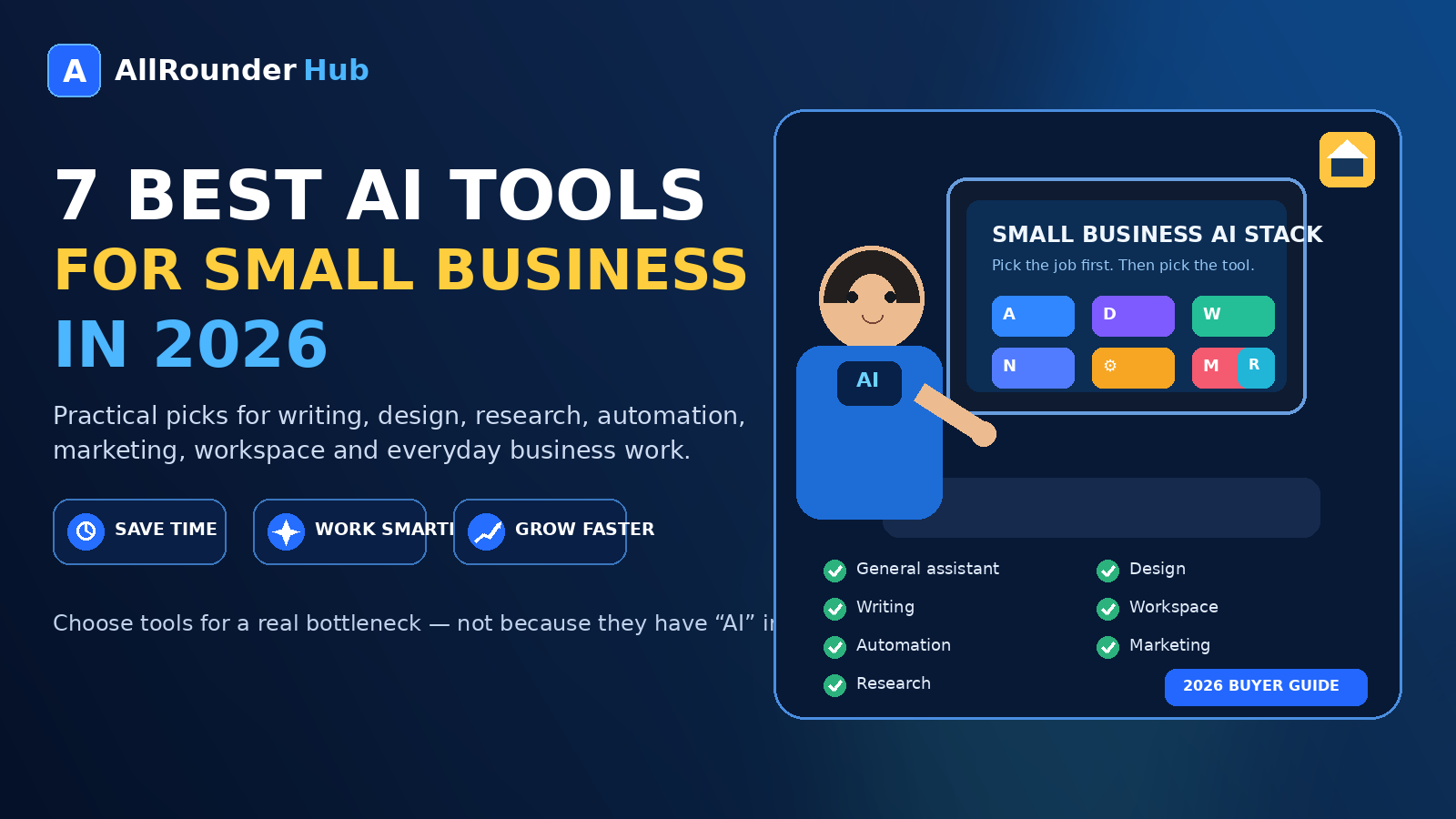
Running a small business often means doing several jobs at once.
One morning you are replying to customers. By afternoon you may be writing a proposal, preparing a social post, checking a spreadsheet, updating a website, or trying to figure out why a repetitive task still takes an hour every week.
That is where AI can be genuinely useful.
The problem is that small businesses do not need more software simply because it has “AI” in the name. They need tools that remove a real bottleneck without creating another subscription to manage.
This guide takes a practical approach. Instead of ranking products by who has the longest feature list, it looks at what each tool is actually useful for, where it fits in a small-business workflow, and when you may be better off choosing something else.
There is no single winner for every business. A freelance designer, an online store, a local service company, and a five-person marketing team can all have very different needs.
How We Chose the Tools in This Guide
This is not a claim that every product below has been personally tested in every possible business scenario.
The selection is based on the tools’ documented capabilities, the kinds of work small businesses commonly need to complete, and whether each product has a reasonably clear role rather than simply duplicating everything else on the list.
The most useful way to read this guide is to start with your problem.
Need help with general business work? Look at ChatGPT.
Need graphics? Canva makes more sense.
Need stronger day-to-day writing? Grammarly may be enough.
Need information organized inside a workspace? Look at Notion.
Need apps to talk to each other automatically? That is where Zapier becomes interesting.
Need marketing production built around brand consistency? Jasper is the more specialist option.
Need fast web research with sources? Perplexity has a different job again.
1. ChatGPT — Best All-Rounder for Everyday Business Work
For a small business that wants one AI tool to cover a broad range of tasks, ChatGPT is one of the most flexible places to start.
It can help with drafting and revising text, analyzing information, brainstorming, planning, research, organizing ideas, and making sense of everyday business problems.
Where it becomes useful is not one spectacular feature, but the number of ordinary tasks it can reduce.
A business owner might use it to turn rough notes into a customer email, summarize a long document, prepare questions for a supplier, organize an idea into a plan, or help structure information before making a decision.
That flexibility can also be a reason not to immediately buy several specialist AI subscriptions.
If a general-purpose tool already handles most of the work you need, paying separately for five other services may not improve your workflow enough to justify the cost.
Where ChatGPT fits best
It makes the most sense for businesses that want a general assistant rather than a tool dedicated to one narrow department.
Where it may not be enough
If your work depends heavily on specialist design, advanced automation, or strict brand-controlled marketing production, a dedicated platform may still be more convenient.
Best for: general business assistance, research, drafting, analysis, planning and mixed day-to-day tasks.
2. Canva — Best for Small Businesses That Need Visual Content
A business can have excellent information and still look unprofessional if every social graphic, flyer, presentation, or promotional image feels improvised.
Canva combines AI-assisted creation with a broader design environment, which makes it useful when the final job is not merely generating an idea but producing something ready to publish.
A restaurant may need a menu promotion today and an Instagram graphic tomorrow.
A consultant may need a presentation.
An online seller may need simple product creatives.
A local service business might need a poster, ad creative, or seasonal offer.
In those situations, a design workspace can be more practical than a general AI assistant because the output can move directly into a finished visual.
Where Canva fits best
Canva is particularly useful when the same person is handling marketing and design without being a full-time designer.
Where it may be unnecessary
If your business rarely creates visual material or already has a professional design workflow, adding another design subscription simply because it includes AI may not provide much value.
Best for: social graphics, presentations, basic marketing designs and visual content.
3. Grammarly — Best for Businesses That Write All Day
Not every business needs an AI system that tries to do everything.
Sometimes the problem is much simpler: a large part of the working day is spent writing.
Emails.
Proposals.
Customer replies.
Reports.
Website copy.
Internal messages.
Grammarly focuses directly on that environment.
It can help improve clarity, tone, grammar, wording and professional communication without requiring you to start every task inside a separate AI chat.
For someone who spends hours communicating with customers or colleagues, assistance appearing close to where the writing is already happening can be the more useful workflow.
Where Grammarly fits best
It is a strong fit for businesses where clear written communication matters every day but full-scale content generation is not the main requirement.
Where it may overlap
If you already do almost all of your writing inside another AI platform and are comfortable editing manually, you may find that the overlap is too large to justify another paid plan.
Best for: email, professional communication, editing and everyday business writing.
4. Notion AI — Best When Your Information Is Already in Notion
The value of AI changes when it understands the workspace where your work already lives.
For businesses that use Notion for projects, documentation, notes, internal processes or team knowledge, its AI features can make that information easier to search, summarize and work with.
Imagine a small team with client notes, project pages, meeting records and operating procedures scattered across one workspace.
The useful question is no longer only:
“Can AI write something for me?”
It becomes:
“Can AI help me find what the team already knows?”
For a growing business, that can be more valuable than another standalone writing tool.
Where Notion AI fits best
Teams already committed to Notion will get the clearest benefit because the AI sits close to their existing work.
Where it may not make sense
If your company does not use Notion and has no intention of moving its workflow there, adopting the whole platform only for AI is probably backwards.
Choose the workspace because the workspace fits.
Treat the AI as an additional advantage.
Best for: internal knowledge, notes, documents, projects and team information.
5. Zapier — Best for Automating Work Between Apps
Some of the most annoying business tasks do not require better writing or smarter research.
They require copying information from one place to another.
A form arrives.
Someone moves the details into a spreadsheet.
Another person sends an email.
A task gets created.
A CRM needs updating.
The same sequence happens again tomorrow.
Zapier is designed around automating this kind of cross-app workflow.
That is an important distinction.
A chatbot may tell you how to automate something.
An automation platform can actually become part of the process.
For a small business, even one reliable automation can be more valuable than generating hundreds of pieces of AI content.
Where Zapier fits best
Look at Zapier when you can point to a repetitive process and say:
“We do these same four steps every time this happens.”
That is a much better reason to use automation than trying to automate your entire business at once.
Where it can become a bad investment
Automation becomes messy when the underlying process is messy.
If nobody agrees on what should happen after a lead arrives, automating the confusion will not fix it.
Define the process first.
Automate second.
Best for: repetitive workflows, moving information between apps and reducing manual administration.
6. Jasper — Best for Businesses With a Serious Marketing Content Operation
Jasper makes more sense when marketing is not an occasional task but an ongoing production system.
Its value is more obvious for teams that repeatedly create campaigns, landing pages, marketing copy and branded content across several channels.
That specialization is the reason to consider it — and also the reason many very small businesses may not need it.
If you publish a couple of social posts and one blog article a month, a general AI tool may cover your needs perfectly well.
If a team is producing campaigns across multiple channels and repeatedly needs content to follow the same brand voice, audience information and product context, the economics are different.
Where Jasper fits best
It is more compelling for marketing-heavy businesses, agencies and teams that need repeatable branded production rather than occasional writing help.
Where it may be overkill
A solo business owner who mainly needs emails, brainstorming and a few simple articles may be paying for a workflow they do not actually have.
Best for: structured marketing workflows, brand-aware content production and marketing teams.
7. Perplexity — Best for Quick Web Research With Sources
Research is one of those tasks where a confident answer is not enough.
You often need to know where the information came from.
Perplexity is designed around web research and source-backed answers, which can make it useful at the beginning of a business research task.
You might be trying to understand a new market, learn unfamiliar terminology, research a competitor category, explore a customer question, or find sources that deserve deeper reading.
The citations are particularly useful because they give you somewhere to continue your own verification.
That last step still matters.
A source-backed AI answer should be treated as a research shortcut, not automatic proof that every conclusion is correct.
Where Perplexity fits best
It is useful when finding and reviewing information is more important than creating polished final content.
Where another tool may be better
If most of your work happens inside private documents, internal systems or highly structured business workflows, a web-first research tool may not be the center of your setup.
Best for: web research, source discovery and quick investigation.
Which AI Tool Should a Small Business Start With?
For most small businesses, the wrong approach is subscribing to all seven.
Start with the bottleneck.
If you need one flexible assistant, start with a general tool such as ChatGPT.
If visual content is consuming your time, test Canva.
If communication is the issue, evaluate Grammarly.
If your team already lives in Notion, explore the AI features there before buying a separate knowledge tool.
If people are repeatedly moving information between applications, investigate Zapier.
If marketing production has become a real operational function, Jasper deserves a closer look.
If research is the recurring problem, Perplexity may solve that problem more directly.
A tool should enter your business because there is a job waiting for it.
Not because somebody published a list of “must-have AI apps.”
A Sensible Small-Business AI Stack
A small business does not necessarily need one tool.
It also does not need ten.
A practical setup might consist of:
one general assistant + one specialist tool + automation only when there is something worth automating.
For example, a small service business might use a general AI assistant for planning and drafting, Canva for visuals, and nothing else.
A content-heavy business might choose a general assistant plus Grammarly or Jasper.
A team with lots of administrative work may get more value from automation than from another content generator.
The right stack is the smallest combination that reliably solves your recurring problems.
Free Plans Before Paid Plans
There is very little benefit in buying several AI subscriptions before you understand your usage.
Where a free plan or trial is available, use it on real work first.
Do not ask a tool to perform a random demo task just to see whether it looks impressive.
Give it the work that currently annoys you.
Then ask:
Did this save meaningful time?
Was the result actually usable?
Would I need this every week?
What exactly would the paid plan improve?
That produces a much better buying decision than comparing marketing pages.
If you are unsure whether premium AI is worth the cost, read Free vs Paid AI Tools in 2026: When Is It Actually Worth Paying?
Don’t Forget the Cost of More Software
Every new tool has a second cost beyond the subscription.
Someone has to learn it.
Someone has to maintain the account.
You may need to move information into it.
Your team may need another login.
Eventually, someone has to decide whether to renew it.
This is why “all-in-one” is attractive, but it is also why specialist tools still survive.
The answer is not automatically consolidation or specialization.
It is choosing deliberately.
If your AI subscriptions are already starting to pile up, read Are You Paying for Too Many AI Tools? How to Audit Your AI Subscriptions in 2026 before adding another one.
What I Would Avoid
I would be cautious about buying an AI product because of a lifetime deal, an aggressive countdown timer, or a long list of features you have never needed before.
I would also avoid uploading sensitive company or customer information into a service before checking its current privacy and data-use terms.
And I would not replace human review simply because a tool produced an answer quickly.
AI can remove friction.
It does not remove responsibility.
Final Verdict
The best AI tool for a small business is not the one with the most impressive demo.
It is the one that removes a recurring problem at a cost the business can justify.
For broad everyday work, a general assistant is a sensible starting point.
For visuals, writing, workspace knowledge, automation, marketing and research, specialist tools can be worth adding when the need is clear.
But add them one at a time.
Use them on real work.
Measure whether anything actually became easier.
And if a tool does not save time, improve output or remove a genuine bottleneck, there is nothing wrong with cancelling it.
Small businesses do not need more AI.
They need the right amount of useful AI.
Frequently Asked Questions
What is the best AI tool for a small business in 2026?
There is no single best option for every company. A general-purpose assistant is useful for mixed everyday work, while specialist tools may be better for design, writing, automation, marketing or research. Start with the task that currently consumes the most unnecessary time.
How many AI tools does a small business need?
Often fewer than expected. One general tool plus one specialist product can cover a large amount of work. Add another service only when it solves a problem your existing setup does not handle well.
Should a small business pay for AI tools?
Only when the paid plan provides measurable value. If the free version handles your real workload, there is no reason to upgrade simply because a premium tier exists.
Can AI replace employees in a small business?
AI can reduce repetitive work and assist with specific tasks, but treating it as a complete replacement for human judgment, customer understanding and accountability is usually the wrong way to evaluate it.
Which AI tools are best for marketing?
Canva is useful for visual production, while Jasper is more specifically designed around marketing workflows and brand-aware content. A general AI assistant can also handle many basic marketing tasks, so the best choice depends on how much content your business actually produces.
Sources & Verification
Last checked: August 24, 2026. Product features, availability, pricing and usage limits can change; confirm current details on each provider’s official website.
The tool roles in this guide were checked against the providers’ official product pages. The selection reflects documented capabilities and practical workflow fit; it is not a claim that every product was personally tested in every business scenario.
- ChatGPT overview
- Canva Magic Studio
- Grammarly AI
- Notion AI
- Zapier AI
- Jasper
- Perplexity
- NIST AI Risk Management Framework
Responsible-use note: Do not upload confidential business, customer or employee information unless you understand the provider’s current privacy, retention and training settings. AI output can be incomplete or incorrect, so review important facts, calculations and customer-facing material before use.
Editorial Note
AI products, prices, limits and features can change. Always check the provider’s official website before purchasing or upgrading a service.
Affiliate Disclosure
AllRounderHub may contain affiliate links. If you purchase a product or service through an eligible affiliate link, we may earn a commission at no additional cost to you. Affiliate relationships do not determine our editorial conclusions.
Continue learning: learn how to choose the right AI tool, audit your AI subscriptions, and compare free vs paid AI tools.
1 thought on “7 Best AI Tools for Small Business in 2026: What Each One Is Actually Good For”
Comments are closed.