
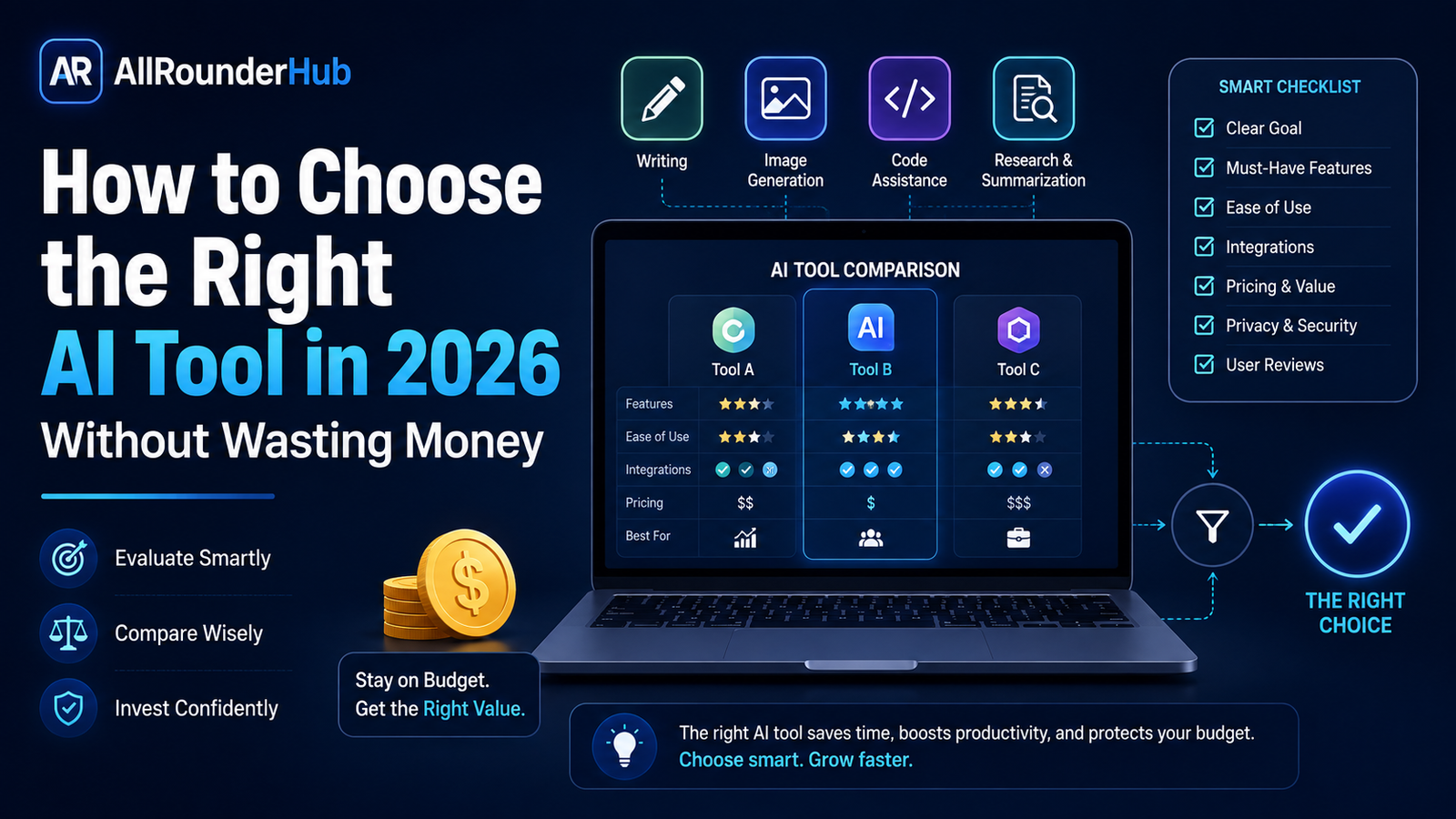
AI tools are everywhere now. There is an AI app for writing emails, creating images, summarizing PDFs, editing videos, researching topics, coding, making presentations, managing meetings, and dozens of other jobs.
That sounds convenient until you actually try to choose one.
Open a few AI websites and almost every product describes itself as faster, smarter, easier, or more powerful than the competition. Many offer similar-looking features, while their pricing pages can be surprisingly difficult to compare.
So how do you decide which AI tool is actually worth using?
The answer is not to find the “best AI tool” in general. There probably isn’t one.
A better approach is to find the tool that does your particular job well enough, often enough, and at a price that makes sense for you.
This guide explains how to make that decision without paying for features you may never use.
Start With the Job, Not the Tool
One of the easiest mistakes to make is choosing an AI platform first and then trying to find reasons to use it.
Do the opposite.
Write down the task that is currently taking too much of your time.
Maybe you regularly need to:
- summarize long documents;
- write and reply to emails;
- generate social-media ideas;
- create product images;
- remove backgrounds from photos;
- edit short videos;
- research unfamiliar topics;
- write or debug code;
- prepare presentations; or
- organize notes from meetings.
Once the task is clear, comparing products becomes much easier.
For example, someone who mainly wants help replying to emails does not necessarily need an expensive platform packed with video generation, coding features, image creation and developer tools.
Those features may sound impressive, but they have little value if you never use them.
A useful question to ask is:
What would I still need this tool for three months from now?
If you cannot give a clear answer, there is probably no reason to buy a long-term subscription yet.
Don’t Pay Before You Know Your Own Usage
A free plan is often more useful than it appears—not because it always has enough features, but because it helps you understand your real usage.
Try the tool on normal tasks rather than artificial test prompts.
If you are considering an AI writing assistant, use it on an actual email, outline, summary or draft you genuinely need.
If you are considering an image generator, try creating the type of graphics you would normally publish.
If it is a research tool, give it a question you already understand reasonably well. That makes it easier to notice missing context, weak sources or incorrect answers.
After a few real tasks, you will usually know whether the free limits are annoying because the product is genuinely useful—or whether you simply stopped opening the tool after the first day.
That distinction can save you from another unused subscription.
Look Beyond the Feature List
Pricing pages make comparison difficult because companies often describe similar capabilities in different ways.
One platform may advertise “advanced research,” another “web intelligence,” and another “AI-powered discovery.” Those names alone tell you very little about how well the feature will work for you.
Instead, compare the actual workflow.
Imagine you need an AI tool to summarize documents. Useful questions would include:
- Which file types can I upload?
- Is there a file-size limit?
- Can it handle several documents together?
- Does it show where important information came from?
- Can I ask follow-up questions about the document?
- Can I export the result?
- What happens to files after I upload them?
This type of comparison is far more useful than counting how many features appear on a pricing page.
Test Output Quality With the Same Task
If you are comparing two or three tools, give all of them roughly the same task.
That gives you a much fairer comparison.
Suppose you want an AI assistant for business writing. Instead of asking one tool to write a short email and another to create a full proposal, give each tool the same realistic instruction.
Then compare things that actually matter:
Accuracy: Did it understand the request correctly?
Instruction following: Did it follow the format, tone and limits you gave it?
Editing required: Could you use the result with small changes, or did you have to rewrite most of it?
Consistency: Does it give useful results repeatedly, or only occasionally?
Speed: Is it fast enough for the way you work?
The last point is important: the most impressive output is not always the most useful output.
If one tool produces slightly better text but requires constant correction and complicated prompting, while another gives you a usable result quickly, the second tool may provide more value in everyday work.
Think About the Complete Cost, Not Just the Monthly Price
A ₹500 plan is not automatically cheaper than a ₹1,000 plan.
The real question is what you get for the money.
Some services limit the number of generations, exports, premium requests, minutes, images or credits you can use. Others reserve their most useful models or tools for higher-priced plans.
Before subscribing, check:
- what is included in the advertised plan;
- whether important features require a more expensive tier;
- monthly or daily usage limits;
- whether unused credits expire;
- extra charges for additional usage;
- whether the subscription renews automatically;
- whether monthly billing is available;
- and how cancellation works.
Annual plans can offer a lower effective monthly price, but they also lock you into a product for much longer.
For a tool you have barely used, monthly billing can be the more sensible starting point even if the annual plan looks cheaper on paper.
A Feature Is Only Valuable If You Use It
This sounds obvious, but it is easy to forget when comparing software.
Suppose Tool A has 50 features and Tool B has 15.
Tool A appears to offer better value.
But if your work depends heavily on three features and Tool B performs those three tasks better, Tool B may actually be the stronger choice.
A freelancer creating social-media graphics may care most about templates, image generation, resizing and exports.
A student may care more about document summaries, explanations and research.
A developer may prioritize coding assistance, context handling and integrations.
A small business owner may care about email, automation and team collaboration.
There is no reason these users should all choose the same product.
Pay Attention to What Happens to Your Data
This is one area where convenience should not replace common sense.
AI tools often require users to paste text or upload files. For casual content, that may not be a concern. For business documents, customer information, contracts, financial records or other sensitive material, it deserves much more attention.
Before uploading confidential information, check the provider’s current privacy and data policies.
Look for clear answers about:
- whether submitted data may be used to improve or train models;
- whether you can opt out;
- how long uploaded material is retained;
- whether conversations or files can be deleted;
- what controls are available for business or team accounts.
Policies and product settings can change, so it is better to check the provider’s current documentation rather than rely on an old review.
And if a document contains information you would not comfortably share with a third party, think carefully before uploading it to any cloud-based service.
Check Whether the Tool Fits Your Existing Workflow
A good AI product should remove friction, not create a new layer of it.
Consider what happens after the AI produces an answer.
Can you move the result directly into the software you already use?
For example, depending on your work, integrations with services such as Google Drive, email platforms, office software, WordPress, design applications, automation platforms or collaboration tools may matter more than an extra AI feature.
But integrations should not become another checklist competition.
If you work alone and mostly copy short outputs into another app, you may not need deep integrations at all.
Again, your workflow matters more than the size of the feature list.
Check Export Options Before Creating Important Work
It is frustrating to spend hours creating something inside a platform and later discover that useful export options are restricted.
If you are using an AI tool for images, presentations, videos, documents or other creative work, find out what you can take with you.
Depending on the product, you may want to check:
- available download formats;
- resolution limits;
- watermark rules;
- editable-file exports;
- commercial-use terms;
- and whether your projects remain accessible after cancelling.
These details are particularly important for freelancers, creators, agencies and businesses producing work for clients.
Don’t Ignore Human Support
You probably will not think about customer support while a product is working normally.
You will think about it immediately when your account is locked, a payment is duplicated, credits disappear, or a subscription does not cancel correctly.
Before committing significant money to an unfamiliar platform, look at what support actually exists.
A searchable help center is useful.
An easy way to contact the company is better.
For expensive business products, clear billing and technical support can be as important as another AI feature.
Free vs Paid AI Tools: When Does Upgrading Make Sense?
There is no rule saying serious users must pay for AI.
A free plan can be perfectly adequate if you use the product occasionally and its limits do not interfere with your work.
Paying starts to make sense when a specific limitation is repeatedly costing you time.
For example, you may reach the free usage limit every working day, need a feature available only on a paid tier, require larger file uploads, need higher-quality exports, or want collaboration features for a team.
That is a much stronger reason to upgrade than simply seeing a discounted annual offer.
A useful rule is:
Upgrade because you have outgrown the free plan—not because the paid plan exists.
When an AI Subscription Is Probably Not Worth It
You may not need to pay if:
- you have not used the free version regularly;
- you cannot describe the problem the tool solves for you;
- another tool you already pay for offers a similar feature;
- you only need the product once or twice a month;
- you spend more time correcting its output than it saves;
- or you are buying mainly because of a limited-time promotion.
AI subscriptions can look inexpensive individually. The problem starts when you collect several of them.
Five “small” monthly subscriptions can quickly become a significant yearly expense.
Reviewing your active subscriptions every few months is therefore worthwhile.
A Simple Way to Compare Two AI Tools
If you are stuck between two services, ignore most of the marketing and score them against your own requirements.
You can use five questions:
- Which tool completes my main task better?
- Which one requires less manual correction?
- Which one has limits I can realistically live with?
- Which one fits my existing workflow better?
- Which one would I still be willing to pay for at full price?
The fifth question is especially useful.
Discounts expire. Introductory offers change. A tool that only feels worthwhile during a large promotion may not be something you truly need.
Before You Subscribe: Final Checklist
Before entering your payment details, make sure you know:
- the exact job you want the tool to perform;
- which paid feature you actually need;
- what the usage limits are;
- whether monthly billing is available;
- whether your files and data are handled appropriately for your use case;
- which export options are included;
- how cancellation and renewal work;
- and whether you have already tested the product on real tasks.
If those answers are clear, you can make a much more informed decision.
If they are not, keep testing before paying.
Final Thoughts
Choosing an AI tool in 2026 is less about finding the product with the biggest feature list and more about understanding your own workflow.
Start with a real problem.
Test the product on real work.
Compare output instead of marketing language.
Read the limits before paying.
And only upgrade when the paid version solves a problem you are actually experiencing.
The AI market will continue to change, and today’s leading feature may become standard somewhere else tomorrow. For that reason, it is usually better to stay flexible instead of becoming unnecessarily locked into several long-term subscriptions.
A good AI tool should save you time, improve your work or make something possible that was difficult before.
If it does none of those things, you probably do not need to pay for it.
Sources & Verification
Last checked: August 24, 2026. Product features, availability, pricing and usage limits can change; confirm current details on each provider’s official website.
The selection process in this guide is based on documented product capabilities, workflow fit and responsible risk review. Test a shortlisted tool on a small real task before committing to a paid plan.
Verification note: Compare plans using your real workflow and non-sensitive sample data. Check current pricing, limits, cancellation terms and privacy settings on the provider’s official website, and keep human review for important decisions and published work.
Editorial Note
Product features, pricing, limits and policies can change over time. Always check the official website of a service before making a purchase decision.
Affiliate Disclosure
AllRounderHub may use affiliate links in some articles. If you purchase a product or service through one of these links, we may receive a commission at no additional cost to you. Affiliate relationships do not determine the editorial conclusions published on this website.
Continue learning: compare free vs paid AI tools, audit your AI subscriptions, and explore AI tools for small business.
1 thought on “How to Choose the Right AI Tool in 2026 Without Wasting Money”
Comments are closed.