
Choosing web hosting sounds simple until you actually start comparing plans.
Almost every hosting company promises fast performance, strong security, easy WordPress installation, helpful support and enough resources to run a website. The introductory prices can look attractive too.
The difficult part is figuring out what you actually need.
A personal blog, an affiliate website, a local business site and an online store do not place the same demands on a hosting account. Paying for far more power than you need wastes money, while choosing the cheapest plan without understanding its limitations can create problems later.
A better approach is to ignore the biggest marketing claims for a moment and look at how the hosting will fit the website you are actually building.
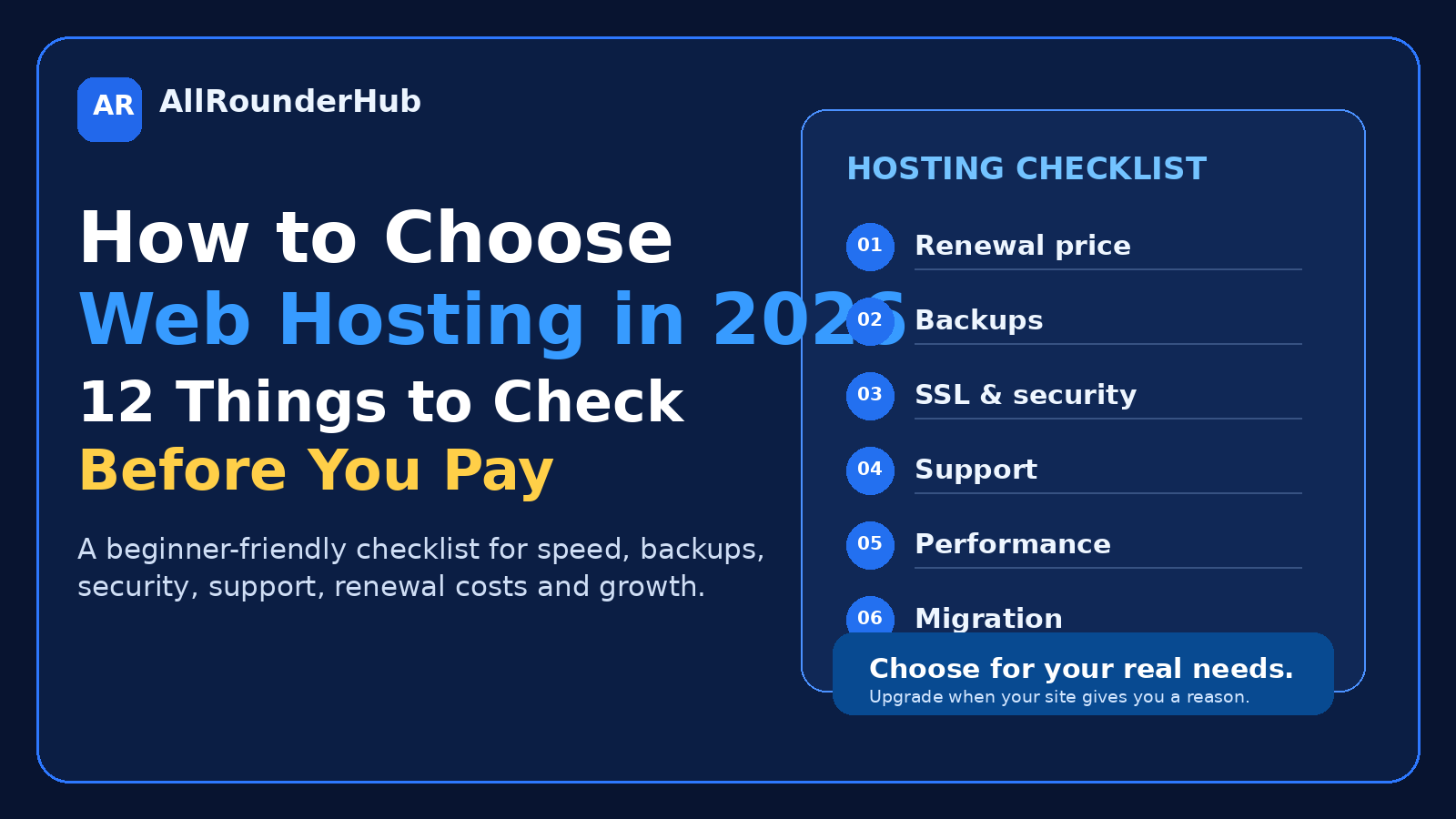
Here are 12 things worth checking before you pay.
1. Start With the Website You Are Building
Do not begin by asking which hosting company is best.
Start by asking what your website needs to do.
Will it mainly publish articles?
Will customers submit contact forms?
Are you building an online store?
Will visitors create accounts?
Will you upload large files?
Will the site use WooCommerce or other resource-heavy plugins?
Will you host video directly or use a separate video platform?
The clearer your requirements are, the easier it becomes to reject plans that are either too limited or unnecessarily expensive.
For a new blog or informational website, you usually do not need the same infrastructure as a busy ecommerce store.
Buy for the website you have, while leaving some room to grow.
2. Understand the Main Types of Hosting
You will usually see several hosting categories.
Shared Hosting
Shared hosting places multiple websites on the same server environment.
It is commonly the simplest starting point for blogs, affiliate websites, portfolios and smaller business websites.
The main advantage is simplicity and lower cost.
The trade-off is that you generally have less control over server resources than you would with a VPS or dedicated server.
VPS Hosting
A VPS gives you a virtual server environment with more allocated resources and control.
It can be useful for larger or more demanding websites, but it may also require more technical knowledge.
Beginners should not choose a VPS simply because it sounds more powerful.
More control is valuable only when you actually need that control.
Cloud Hosting
Cloud hosting spreads resources across connected infrastructure rather than depending entirely on one traditional server.
It can be useful for websites that need more flexibility or scalability.
Dedicated Hosting
Dedicated hosting gives one customer an entire physical server.
For most new blogs and small-business websites, this is unnecessary.
Start with the hosting level that comfortably supports your current site and has a sensible upgrade path.
3. Check the Renewal Price
This is one of the most important things on a hosting pricing page.
Many hosting providers offer a discounted introductory price.
That price may apply only to your first billing period.
When the plan renews, the cost can change.
Before purchasing, find the renewal price.
Also check how long you need to pay upfront to receive the advertised discount.
A plan advertised at a low monthly equivalent may require one, two or more years of payment in advance.
Instead of asking:
“How much does this cost today?”
Ask:
“How much will it cost me to keep this website online over the next few years?”
That gives you a much more realistic comparison.
4. Make Sure It Works Well With WordPress
If you plan to use WordPress, choose a hosting environment that actively supports modern WordPress installations.
You do not need to become a server administrator.
A good hosting provider should make it clear that its environment supports current PHP, database, HTTPS and WordPress requirements.
Also check whether you can change PHP versions when required.
This becomes more important as your website grows because old server software can eventually create compatibility, performance and security problems.
5. Do Not Be Distracted by the Word “Unlimited”
Unlimited storage.
Unlimited traffic.
Unlimited websites.
These claims look impressive, but hosting still depends on real computing resources.
Plans may have policies involving memory, CPU usage, files, database size, bandwidth or unusually resource-intensive websites.
Read what the plan actually includes.
Useful things to check are:
- storage;
- number of websites;
- database limits;
- email accounts;
- file limits;
- memory;
- traffic guidance;
- backup storage;
- resource restrictions.
You do not need the biggest numbers.
You need enough resources to run your website comfortably.
6. Check the Backup System Before You Need It
Backups are easy to ignore while everything is working.
They become very important when something goes wrong.
A plugin update can fail.
A theme change can damage a layout.
A file can be deleted accidentally.
A database problem can affect the website.
A security incident can damage content.
Before choosing hosting, check how backups work.
Ask:
- How often are backups created?
- How long are they stored?
- Can you restore the website yourself?
- Are both website files and databases backed up?
- Does restoration cost extra?
- Can you create an on-demand backup before making major changes?
A backup is most useful when restoring it is simple.
For an important website, it is also sensible not to depend forever on only one backup location.
7. SSL Should Be a Basic Feature
A modern public website should use HTTPS.
Before purchasing hosting, check whether SSL is included.
You should also check:
- whether the certificate renews automatically;
- whether setup is automatic;
- whether additional domains are covered;
- whether there are unexpected SSL charges later.
Basic website security should not become a confusing collection of expensive add-ons.
Compare the total package, not just the hosting headline price.
8. Look Closely at Customer Support
Customer support can feel unimportant when the site is running normally.
That changes immediately when the website stops loading.
You may eventually need help with:
- DNS;
- SSL;
- email;
- backups;
- migrations;
- caching;
- PHP settings;
- database problems;
- unexpected server errors.
Check how support works before buying.
Is live chat available?
Can you reach a real person?
Is support available when you are likely to need it?
Does the company maintain useful documentation?
Does support help with WordPress-related hosting problems or only basic account questions?
Cheap hosting becomes less attractive if every technical issue takes hours to solve.
9. Check the Migration Policy
You may stay with the same host for years.
You may also decide to move.
Websites grow.
Prices change.
Business needs change.
Performance requirements change.
Before choosing a host, see what happens if you want to move a website in or out.
Check:
- whether migration assistance is available;
- how many websites can be migrated;
- whether databases are included;
- whether email migration is supported;
- how much downtime may be involved;
- whether migration costs extra;
- whether you can easily obtain your own backup.
A good hosting relationship should not depend on making it difficult for you to leave.
10. Decide How You Will Handle Business Email
A professional website often uses email addresses such as:
hello@yourdomain.com
or
support@yourdomain.com
But email is not handled the same way by every hosting provider.
Some plans include mailboxes.
Some limit them.
Some sell email separately.
Some businesses prefer dedicated email services rather than hosting business email on the same system as the website.
Check this before buying.
Otherwise, a cheap hosting package can become more expensive once email and other required services are added.
11. Leave Room to Grow Without Paying for Imaginary Traffic
Planning for growth is sensible.
Paying today for traffic you may never receive is not.
A new affiliate site or blog does not need enterprise infrastructure simply because you hope it becomes popular.
Choose hosting that comfortably handles the current website and offers a clear upgrade path.
As your traffic, ecommerce activity or resource usage grows, you can move to stronger hosting when there is a real reason.
Growth should be possible.
It does not need to be prepaid.
12. Calculate the Real Cost Before Checkout
Before clicking the final Buy button, add up everything your website actually requires.
That may include:
- hosting;
- domain registration;
- domain renewal;
- business email;
- backups;
- SSL;
- security features;
- CDN services;
- migrations;
- taxes;
- optional upgrades.
Then remove anything you do not actually need.
Hosting checkout pages can contain extras that sound important simply because you are seeing them for the first time.
Do not purchase an add-on until you understand what problem it solves.
A slightly more expensive plan with the essentials included may be better value than a cheap base plan surrounded by paid extras.
What Does “WordPress Hosting” Actually Mean?
Many hosting companies sell plans specifically called WordPress Hosting.
The label can include useful conveniences such as:
- WordPress pre-installed;
- automatic updates;
- caching;
- staging features;
- WordPress-focused support;
- additional security settings.
Those features may be useful.
But the words “WordPress Hosting” alone do not automatically make one plan better than another.
Compare what the plan actually provides.
Do not pay extra simply for the label.
Shared Hosting or VPS: Which Is Better for a Beginner?
For a straightforward new blog, affiliate website, portfolio or small-business website, shared hosting is often the easier place to begin.
A VPS becomes more attractive when you need additional control, more dedicated resources or server-level configuration.
But there is another question:
Who is going to manage the VPS?
If you do not know the answer, an unmanaged VPS may create more problems than it solves.
More technical power also means more responsibility.
For many beginners, good managed hosting is more useful than a server they do not know how to maintain.
Do You Really Need Huge Storage?
Storage is one of the easiest hosting numbers to compare.
More gigabytes looks better.
That does not mean storage should determine your decision.
For many ordinary WordPress websites, performance depends on much more than disk space.
Caching, plugins, images, databases, code quality and available server resources can all affect the experience visitors receive.
A site containing optimized article images may use surprisingly little storage.
A website storing large videos or downloadable media can use much more.
Estimate what you actually plan to store before paying for enormous capacity.
Should You Buy Several Years of Hosting at Once?
Long-term plans can reduce the introductory monthly equivalent.
They can also reduce flexibility.
Before committing for several years, ask:
- Have I used this hosting company before?
- Do I understand the renewal price?
- What is the refund policy?
- Can I upgrade easily?
- What happens if my requirements change?
- Am I comfortable paying this amount upfront?
A long-term plan can be good value when you are confident in the service.
It is not automatically the best option simply because the advertised monthly number is lower.
A Simple Hosting Checklist Before You Pay
Before purchasing a hosting plan, make sure you can answer these questions:
- What kind of website am I building?
- Which type of hosting do I actually need?
- What is the renewal price?
- How long is the initial commitment?
- Does the hosting properly support my website platform?
- What are the real resource limits?
- How do backups and restores work?
- Is SSL included?
- What support is available?
- Can I migrate easily?
- Is email included or separate?
- What is the true first-year and renewal cost?
If several answers are still unclear, keep comparing.
A hosting plan should become easier to understand as you research it, not more confusing.
Final Thoughts
Good web hosting is rarely exciting.
That is actually a good thing.
Most website owners do not want to spend their day thinking about servers. They want pages to load, backups to exist, updates to work and help to be available when something breaks.
Choose hosting around the website you actually have.
Check renewal costs rather than focusing only on the introductory discount.
Understand the backup system.
Make sure security and SSL are properly covered.
Check support and migration before you need either one.
And pay for additional power only when your website gives you a real reason to upgrade.
The right hosting plan is not necessarily the cheapest one.
It is not necessarily the most powerful one either.
It is the plan that lets you run your website reliably without paying for complexity you do not need.
Frequently Asked Questions
What type of hosting is best for beginners?
For many blogs, affiliate websites, portfolios and smaller business websites, shared or managed WordPress hosting is usually the simplest starting point. More advanced hosting becomes useful when the website genuinely needs additional resources or control.
Does WordPress require special WordPress hosting?
Not necessarily. What matters is that the hosting environment properly supports WordPress. A WordPress-branded plan may add useful conveniences such as automatic installation, caching, staging or specialized support.
Is free SSL important?
Yes. A public website should normally use HTTPS. Check whether SSL is included and whether renewal is handled automatically.
Is VPS hosting always faster than shared hosting?
Not automatically. A VPS can provide more resources and control, but website performance also depends on configuration, caching, plugins, images, databases and the website itself.
Should I buy the cheapest hosting plan?
Not without checking what is included. Compare renewal pricing, backups, resource limits, support, SSL, migration, email and paid add-ons before making the decision.
Sources & Verification
This guide was last checked on August 24, 2026 against official WordPress hosting, HTTPS and backup documentation. Hosting features, limits, support, introductory prices and renewal rates can change, so verify the exact plan before paying.
- WordPress official hosting requirements
- WordPress.org hosting guidance
- WordPress HTTPS administration guide
- WordPress backup guidance
Editorial Note
Hosting plans, promotional prices, renewal rates, limits and included features can change. Always check the provider’s current official terms before purchasing.
Affiliate Disclosure
AllRounderHub may contain affiliate links. If you purchase a product or service through an eligible affiliate link, we may earn a commission at no additional cost to you. Affiliate relationships do not determine our editorial conclusions.
Continue learning: compare beginner WordPress hosting options, learn how to choose a domain name, and plan with the website cost guide.
3 thoughts on “How to Choose Web Hosting in 2026: 12 Things to Check Before You Pay”
Comments are closed.