
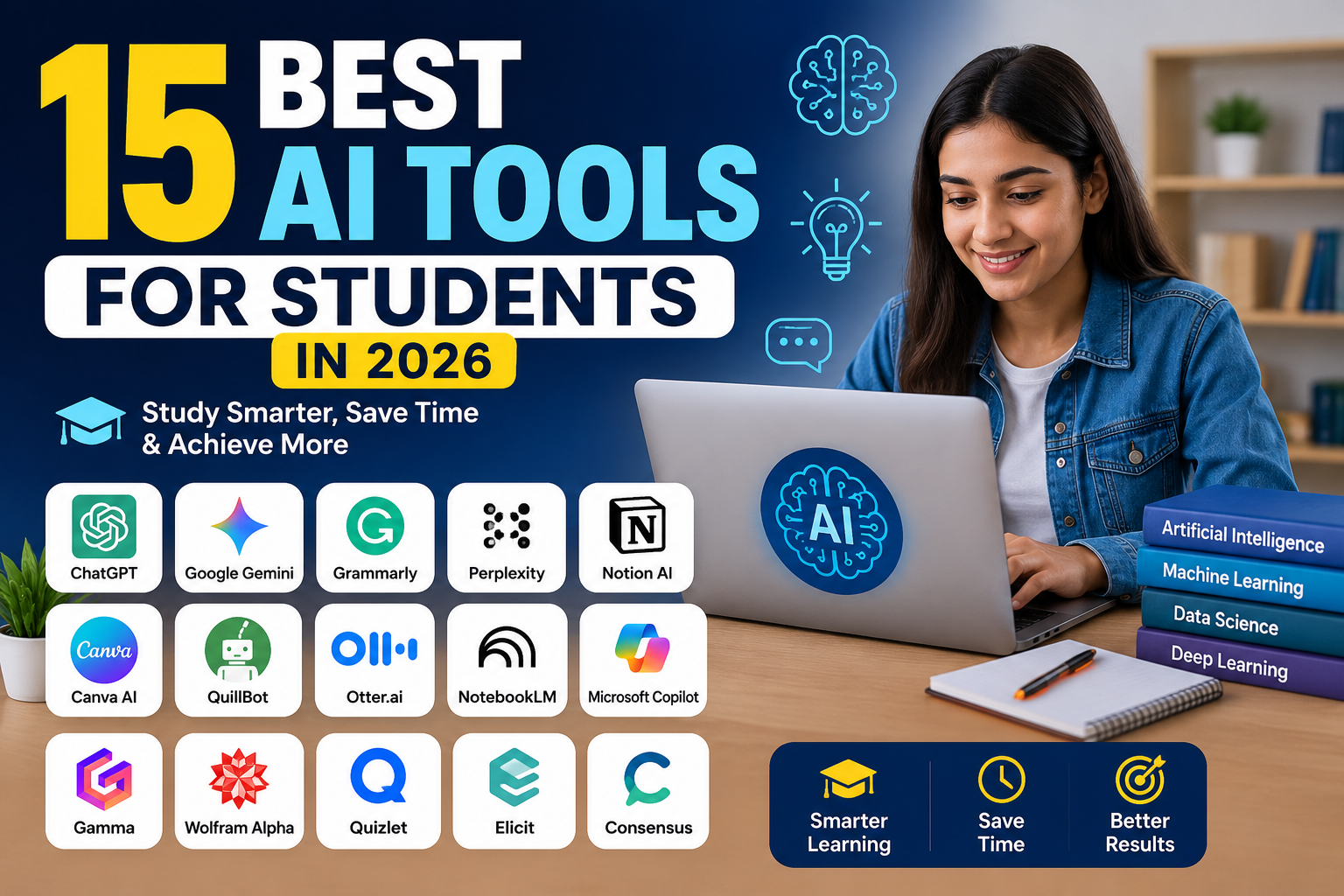
Artificial intelligence is changing the way students study, research, write, organize tasks and learn new skills. The right AI tool can help save time and improve productivity, but choosing the right tool can be difficult because there are so many options available.
In this guide, we have listed some of the best AI tools for students in 2026. We will look at their key features, common uses, free or paid availability, and who each tool may be suitable for.
Whether you need help with research, writing, notes, presentations, productivity or everyday learning tasks, this guide will help you compare useful AI tools and make a more informed choice.
Quick Note: Features, pricing and free plans may change over time. Always check the official website of a tool for the latest information.
Chat GPT
ChatGPT is an AI assistant that can help students understand topics, brainstorm ideas, summarize information and work through questions. Students can use it as a learning and productivity tool across different subjects.
Key Features:
- Ask questions and explore topics
- Brainstorm ideas and outlines
- Summarize and explain information
- Help organize study tasks
- Support writing and research workflows
Best For: Students looking for a general-purpose AI assistant for learning, research and productivity.
Free or Paid: Free access may be available, with additional paid plans and features depending on the current offering.
Tip: Students should verify important facts and avoid submitting AI-generated content as their own work when this is not allowed by their school or institution.
Google Gemini
Google Gemini is an AI assistant that can help students explore ideas, understand information and complete learning-related tasks. It may also work with Google services and features depending on the product and account being used.
Key Features:
- Ask questions and explore different topics
- Explain complex information in simpler terms
- Brainstorm ideas for projects and assignments
- Help with writing and research workflows
- Support productivity and learning tasks
Best For: Students who use Google products and want an AI assistant for research, learning and everyday productivity.
Free or Paid: Free access and paid options may be available. Features and availability can vary by plan, account and location.
Tip: Always verify important academic information using reliable sources and follow your school or institution’s rules for AI use.
Grammarly
Grammarly is a writing assistant that can help students improve grammar, spelling, clarity and overall writing quality. It can be useful when preparing essays, emails, reports and other written work.
Key Features:
- Check grammar and spelling
- Improve writing clarity
- Suggest tone and wording improvements
- Help review essays and reports
- Support everyday academic writing
Best For: Students who want to review and improve their writing before submitting assignments or sending important emails.
Free or Paid: Grammarly may offer free and paid plans. Advanced features can depend on the selected Tip: Use writing suggestions to improve your own work and understanding. Always follow your school or institution’s academic integrity and AI-use policies.
Perplexity
Perplexity is an AI-powered answer and research tool that can help students explore questions and discover information from web sources. Its source-linked answer format can be useful as a starting point for further research.
Key Features:
- Ask research questions in natural language
- Explore answers with linked sources
- Discover information for different topics
- Ask follow-up questions
- Support early-stage research workflows
Best For: Students who want to explore a topic, find potential sources and begin online research.
Free or Paid: Free access and paid options may be available. Features and usage limits can depend on the current plan.
Tip: Open and review the original sources before using information in academic work. A source link does not automatically mean every claim is correct or suitable for citation.
Notion AI
Notion AI is an AI-powered feature within the Notion workspace that can help students organize information, work with notes and support productivity tasks. It can be useful for students who already use a digital workspace for study planning and project organization.
Key Features:
- Work with notes and written information
- Summarize selected content
- Brainstorm ideas and outlines
- Organize study and project workflows
- Support writing and productivity tasks
Best For: Students who want to manage notes, study plans, projects and AI-assisted productivity in one workspace.
Free or Paid: Notion and its AI features may have different plans, limits and availability. Check the current official offering before choosing a plan.
Tip: Keep important academic information organized and review AI-generated summaries against your original notes or reliable sources.
Canva AI
Canva includes AI-powered features that can help students create presentations, visual projects, documents and other creative content. It can be useful for turning ideas into visually organized work without requiring advanced design skills.
Key Features:
- Create presentations and visual content
- Generate and develop creative ideas
- Work with AI-powered design features
- Prepare graphics for projects
- Support documents and content creation
Best For: Students who need presentations, project visuals, creative assignments and easy-to-use design tools.
Free or Paid: Canva may offer free and paid plans. Access to specific AI-powered features and usage limits can depend on the current plan.
Tip: Review generated text, images and design elements before using them in academic projects. Follow your institution’s rules and check whether attribution or disclosure is required.
QuillBot
QuillBot is a writing and paraphrasing tool that can help students review wording, improve sentence structure and work with written content. It may be useful when revising notes, drafts and other study-related writing.
Key Features:
- Paraphrase and review written text
- Explore alternative sentence wording
- Check grammar and writing
- Summarize selected content
- Support editing and revision workflows
Best For: Students who want help reviewing, revising and improving the clarity of their written work.
Free or Paid: Free access and paid plans may be available. Features, limits and supported tools can depend on the current plan.
Tip: Do not use paraphrasing tools to hide plagiarism or misrepresent someone else’s work as your own. Review sources, cite them when required and follow academic integrity rules.
Otter.ai
Otter.ai is an AI-powered transcription and note-taking tool that can help turn supported conversations and recordings into searchable text. For students, it may be useful for organizing permitted lectures, meetings, interviews and study discussions.
Key Features:
- Transcribe supported audio and conversations
- Create searchable text notes
- Review important discussion points
- Organize transcripts and notes
- Support meeting and study workflows
Best For: Students who want to review permitted lectures, interviews, meetings or study discussions in a text-based format.
Free or Paid: Free and paid plans may be available. Transcription limits, AI features and other capabilities can depend on the current plan.
Tip: Always get any required permission before recording or transcribing a lecture, meeting or conversation. Privacy and recording laws or institutional rules may vary by location.
NotebookLM
NotebookLM is an AI-powered research and learning tool that can help students work with supported sources they provide. It can be useful for exploring notes, documents and study materials in a source-grounded workspace.
Key Features:
- Work with supported study sources
- Ask questions about uploaded or added materials
- Explore summaries and important ideas
- Organize source-based research
- Support study and review workflows
Best For: Students who want to study, explore and review information based on their own supported source materials.
Free or Paid: Availability, usage limits and features may depend on the current Google offering, account type and location.
Tip: Review the original source material before relying on an AI-generated answer or summary. Important academic information should be checked carefully.
Microsoft Copilot
Microsoft Copilot is an AI assistant that can help students explore questions, brainstorm ideas and support everyday productivity tasks. Depending on the Microsoft product, account and plan being used, Copilot features may also be available within selected Microsoft services.
Key Features:
- Ask questions and explore information
- Brainstorm ideas and outlines
- Support writing and productivity workflows
- Work with selected Microsoft services and features
- Help organize everyday learning tasks
Best For: Students who use Microsoft products and want AI-assisted support for learning, writing and productivity.
Free or Paid: Free and paid options may be available. Features, usage limits and availability can vary by product, account, plan and location.
Tip: Review AI-generated information before using it in academic work and follow your school or institution’s rules for AI-assisted assignments.
Gamma
Gamma is an AI-powered content and presentation tool that can help students turn ideas into visually organized presentations, documents and other shareable content. It may be useful for creating a first draft of a presentation structure and developing ideas more quickly.
Key Features:
- Create AI-assisted presentations
- Organize ideas into visual content
- Generate a starting structure from a prompt
- Work with documents and shareable content
- Support project and presentation workflows
Best For: Students who want to create presentation drafts, organize project ideas and develop visual content more efficiently.
Free or Paid: Free and paid options may be available. AI usage limits, export options and other features can depend on the current plan.
Tip: Review all generated content before presenting or submitting it. Check facts, rewrite content in your own voice where appropriate and follow your institution’s AI-use rules.
Wolfram Alpha
Wolfram Alpha is a computational knowledge tool that can help students explore mathematics, science and other data-based questions. It can be useful for checking calculations, exploring concepts and working with structured computational information.
Key Features:
- Explore mathematics and computational questions
- Work with equations and calculations
- Access structured knowledge across supported subjects
- Explore scientific and data-based topics
- Support problem-solving and learning workflows
Best For: Students studying mathematics, science, engineering and other subjects that involve calculations or structured data.
Free or Paid: Free access and paid options may be available. Step-by-step features and other capabilities can depend on the current offering or plan.
Tip: Use computational results to understand and check your work rather than simply copying an answer. Review the method and follow your institution’s rules for assignments and exams.
Quizlet
Quizlet is a learning and study platform that can help students review information through flashcards, practice activities and AI-supported study features. It may be useful for organizing important terms, concepts and study materials for revision.
Key Features:
- Create and review digital flashcards
- Practice important terms and concepts
- Organize study materials
- Use supported AI-powered learning features
- Support revision and self-study workflows
Best For: Students who want to review subjects, memorize important information and organize study materials for regular revision.
Free or Paid: Free and paid options may be available. AI features, study modes and other capabilities can depend on the current plan and offering.
Tip: Use study tools to test your understanding instead of only memorizing generated answers. Review important information against textbooks, class materials and reliable sources.
Elicit
Elicit is an AI-powered research tool designed to support literature review and academic research workflows. It can help students discover research papers, explore academic questions and organize information from relevant studies.
Key Features:
- Search for relevant research papers
- Explore academic research questions
- Review information from supported papers
- Compare findings across research sources
- Support literature review workflows
Best For: University students, researchers and learners who need help discovering and organizing academic research.
Free or Paid: Free access or paid options may be available. Usage limits, research features and plan details can change over time.
Tip: Read the original research paper before citing it in academic work. Verify authors, publication details, methodology and findings instead of relying only on an AI-generated summary.
Consensus
Consensus is an AI-powered academic search tool that can help students explore questions using information from scientific research. It may be useful when looking for research-based perspectives and discovering relevant studies for further reading.
Key Features:
- Search scientific research using natural language
- Explore research-based answers
- Discover relevant academic papers
- Review evidence across supported research
- Support academic research and study workflows
Best For: University students, researchers and learners who want to explore scientific literature and research-based questions.
Free or Paid: Free and paid options may be available. Search limits, AI features and other capabilities can depend on the current plan.
Tip: Always open and read the original research paper before citing it. Check the study design, authors, publication details and limitations instead of relying only on an AI-generated summary.
Quick Comparison of the Best AI Tools for Students
| AI Tool | Best For | Free Option | Main Use |
|---|---|---|---|
| ChatGPT | General learning | Available | AI assistant |
| Google Gemini | Google users | Available | Learning & productivity |
| Grammarly | Writing | Available | Grammar & clarity |
| Perplexity | Web research | Available | Source-linked research |
| Notion AI | Notes & planning | Varies | Productivity |
| Canva AI | Presentations | Available | Design & visual content |
| QuillBot | Writing revision | Available | Paraphrasing & editing |
| Otter.ai | Transcription | Available | Notes & transcripts |
| NotebookLM | Source-based study | Varies | Research & learning |
| Microsoft Copilot | Microsoft users | Available | AI productivity |
| Gamma | Presentations | Available | Visual presentations |
| Wolfram Alpha | Math & science | Available | Computational knowledge |
| Quizlet | Revision | Available | Flashcards & study |
| Elicit | Academic research | Varies | Literature research |
| Consensus | Scientific research | Available | Academic search |
Frequently Asked Questions About AI Tools for Students
What are the best AI tools for students in 2026?
The best AI tool depends on a student’s needs. Chat GPT and Google Gemini can be useful as general AI assistants, Grammarly can support writing review, Perplexity can help with early-stage web research, and tools such as Elicit and Consensus may be useful for academic research workflows.
Are AI tools free for students?
Many AI tools offer some form of free access, but features, usage limits and availability can change. Some advanced AI features may require a paid plan. Students should check the official website of each tool for current pricing and plan details.
Can students use Chat GPT for studying?
Students can use Chat GPT to explore topics, brainstorm ideas, organize study tasks and work through questions. Important facts should be verified using reliable sources, and students should follow their institution’s academic integrity and AI-use policies.
Which AI tool is best for research?
The right research tool depends on the type of research. Perplexity may be useful for exploring web sources, while Elicit and Consensus are designed around academic research workflows. NotebookLM may be useful when working with supported source materials added by the user.
Which AI tool is best for student writing?
Grammarly and QuillBot may help students review grammar, clarity and wording. General AI assistants may also support brainstorming and outlines. Students should review suggestions carefully and avoid using AI to misrepresent work as entirely their own when this violates academic rules.
Can AI tools replace teachers or textbooks?
AI tools should generally be treated as supporting tools rather than automatic replacements for teachers, textbooks or reliable academic sources. AI-generated information can contain errors, so important information should be checked carefully.
Is it safe to upload study documents to AI tools?
Students should review a tool’s privacy terms and their institution’s policies before uploading documents. Avoid uploading passwords, confidential information, private student records or other sensitive data unless the service and intended use are appropriate.
How should students choose an AI tool?
Start with the task you need to complete. Choose a writing tool for writing review, a research-focused tool for finding research, a presentation tool for visual projects or a general AI assistant for broader learning and productivity tasks. Compare current features, limits and pricing before choosing.
Final Thoughts
AI tools can help students save time, organize study tasks, explore information and improve different learning workflows. However, there is no single AI tool that is best for every student.
ChatGPT and Google Gemini may be useful for general learning and productivity, while Grammarly and QuillBot can support writing review. Perplexity may help with early-stage web research, and tools such as Elicit and Consensus can support academic research workflows. Canva and Gamma may be useful for presentations and visual projects, while NotebookLM can help students work with supported source materials.
Before choosing a tool, compare its current features, usage limits, privacy terms and pricing. Free plans and AI features can change over time, so always check the official provider for the latest details.
Most importantly, students should use AI as a supporting tool for learning rather than blindly trusting or copying generated answers. Verify important information, protect sensitive data and follow your school or institution’s academic integrity and AI-use policies.
Sources & Verification
Last checked: August 24, 2026. Product features, availability, pricing and usage limits can change; confirm current details on each provider’s official website.
The tools and their intended study uses were checked against official provider pages. Availability, free limits and education features may vary by country, age, institution and account type.
- ChatGPT
- Google Gemini
- Grammarly AI
- Perplexity
- Notion AI
- Canva Magic Studio
- QuillBot
- Otter
- NotebookLM
- Microsoft Copilot
- Gamma
- Wolfram|Alpha
- Quizlet AI study tools
- Elicit
- Consensus
- NIST AI Risk Management Framework
Student safety note: Follow your school’s academic-integrity rules, do not upload private class or personal information without permission, and verify AI-generated answers against course materials and primary sources before submitting work.
Affiliate Disclosure
AllRounderHub may earn a commission from qualifying purchases made through some affiliate links, at no extra cost to you. Affiliate relationships do not change our aim to provide useful and transparent content.
Continue learning: compare free vs paid AI tools, learn how to choose the right AI tool, and explore AI tools for small business.