
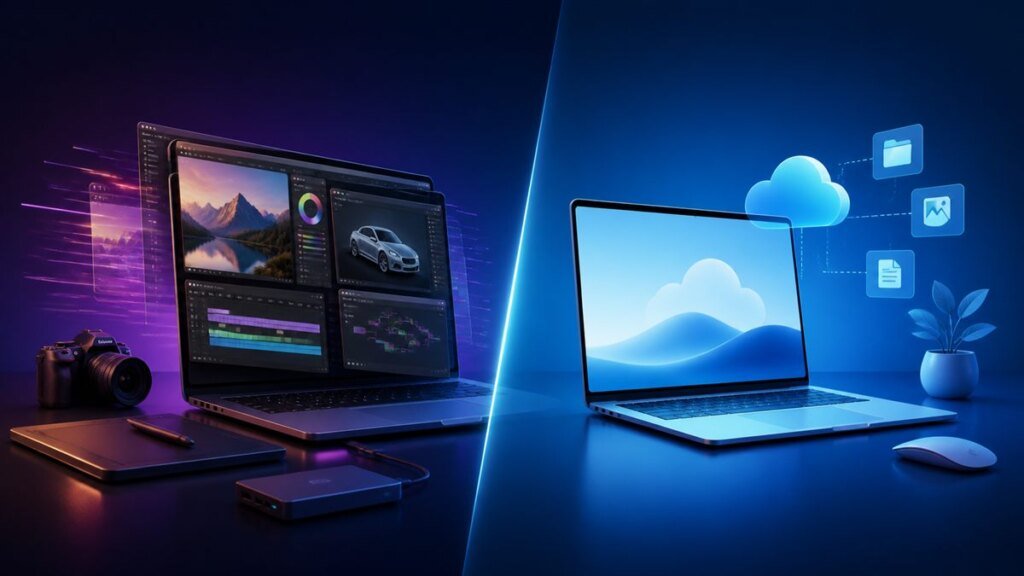
A Windows laptop and a Chromebook can look similar, but they are built around different software ecosystems. Windows prioritizes broad desktop compatibility and hardware choice. ChromeOS prioritizes browser-based work, automatic maintenance and integration with Google services.
Quick verdict: Choose a Windows laptop for specialized desktop software, broader gaming, local workflows and maximum hardware flexibility. Choose a Chromebook for web-first study or work, straightforward updates and a simpler environment—after confirming that every required app and peripheral is supported.
Windows laptop vs Chromebook at a glance
| Priority | Better fit | Why |
|---|---|---|
| Traditional desktop applications | Windows | Broader native software and peripheral compatibility. |
| Web and Google Workspace use | Chromebook | ChromeOS is designed around browser and Google-account workflows. |
| PC gaming | Windows | Wider native game, launcher and graphics-hardware support. |
| Simple automatic updates | Chromebook | ChromeOS checks for and downloads system updates automatically. |
| Android and Linux options | Chromebook, with caveats | Supported models can run Android apps and a Linux development environment. |
| Device variety | Windows | More manufacturers, form factors, components and upgrade options. |
Apps and compatibility
Windows is the safer choice when you depend on a specific Win32 application, professional creative suite, engineering program, accounting package, game launcher or hardware utility. Confirm the exact Windows edition and processor architecture because not every app or driver supports every device.
Chromebooks are strongest with web apps. Google lists productivity options including Docs, Microsoft 365 web apps, Zoom, Teams and many creative web services. Supported Chromebooks can also install Android apps from Google Play, although some Android apps are unavailable or not optimized for a laptop screen.
ChromeOS can provide a Debian-based Linux development environment on supported devices. Google notes limitations, including device and hardware-acceleration restrictions. This makes Linux useful for coding and command-line tools, but it is not a guaranteed replacement for every Windows desktop program.
Offline use
Both systems work offline, but the experience depends on the app. Windows desktop programs normally store files locally and continue working without a connection unless a license or cloud feature requires one.
Chromebooks can use offline-ready web and Android apps, including offline modes for supported Google services. Before buying, test the exact document, media or education applications you need while disconnected. A web-first device should not be selected on the assumption that every site works offline.
Updates and supported lifetime
Windows Update delivers operating-system, security and driver updates, while individual applications may use their own updaters. Windows 11 also has hardware requirements, so an older laptop may not support the latest version.
Google says ChromeOS devices receive ten years of automatic updates from the platform’s release. The date is device-specific, not simply ten years from the day you buy it. Check the Auto Update Expiration date for the exact model before purchase, especially for clearance or used devices.
Some older models obtain extended updates only after opting in, and Google warns that Android apps and Google Play may be removed during the extended period. This makes the model-specific update date an essential buying check.
Security and maintenance
Windows 11 includes layers such as Secure Boot, hardware-backed protections and Windows Security, but the open software ecosystem also gives users more responsibility for downloads, drivers and configuration.
ChromeOS uses automatic updates, sandboxing, verified boot and recovery features. Google states that a Chromebook can check for tampering during startup and repair the system. No platform is immune to phishing, malicious extensions or weak passwords, so account security and backups still matter.
Hardware, performance and price
Windows laptops range from budget systems to gaming workstations and premium creator machines. This variety makes it easier to select a particular processor, GPU, port set, repairability level or display, but low-cost configurations can provide a poor experience if RAM and storage are too limited.
Chromebooks also cover budget and premium ranges. Chromebook Plus models set a stronger baseline for memory, storage and display features, but specifications still vary. Compare the actual CPU, RAM, storage, display, ports, keyboard and battery test—not only the operating system label.
Gaming and creative work
Windows remains the better default for native PC gaming and professional applications that require dedicated graphics, plug-ins or specialist drivers. Cloud gaming can expand Chromebook options, but it depends on network quality and service availability.
Chromebooks can handle browser-based design, photo tools, Android apps and supported video editors. Serious local 3D, high-end video or large engineering workflows normally favor a suitably configured Windows machine.
Choose a Windows laptop if you
- Need a named Windows-only or professional desktop application.
- Play native PC games or require a dedicated GPU.
- Want maximum choice in hardware, ports or upgrades.
- Frequently work with local files and specialized peripherals.
Choose a Chromebook if you
- Spend most of your time in a browser or Google Workspace.
- Want straightforward automatic system updates.
- Need an affordable, centrally manageable study or family device.
- Have verified the model’s update date and required app support.
Final recommendation
Do not decide from price alone. Start with a list of five essential apps, two peripherals and your offline requirements. If any critical item requires Windows, buy a Windows laptop with enough RAM and storage. If everything works on the web, Android or supported Linux and simplicity matters more, a current Chromebook with a long remaining update period can be the better choice.
Official sources checked
- Microsoft Windows 11
- Microsoft: Windows 11 requirements
- Google: Chromebook update schedule
- Google: Android apps on Chromebook
- Google: Linux on Chromebook
Details verified 27 August 2026. Hardware, app support and update dates vary by exact model.