Buying WordPress hosting for the first time is strangely easy to overthink.
Every provider talks about speed, security, backups, support, AI tools, free domains and “managed WordPress.” After opening four pricing pages, the plans start looking almost identical.
They are not.
But the biggest differences are not always the numbers printed in the biggest font.
For a beginner, the more useful questions are simpler:
Can I get WordPress running without fighting the control panel?
Are backups included?
What happens when something breaks?
Will the plan still make sense after the introductory period?
And can I upgrade later without rebuilding the entire website?
This guide compares Hostinger, Bluehost and SiteGround from that point of view.
This is not a claim that we personally stress-tested every server in a lab. The comparison is based on the providers’ currently documented WordPress features and how those features fit different beginner workflows. citeturn631853search0turn631853search3turn631853search4
Quick Answer
If I were narrowing these three down for a beginner, I would think about them like this:
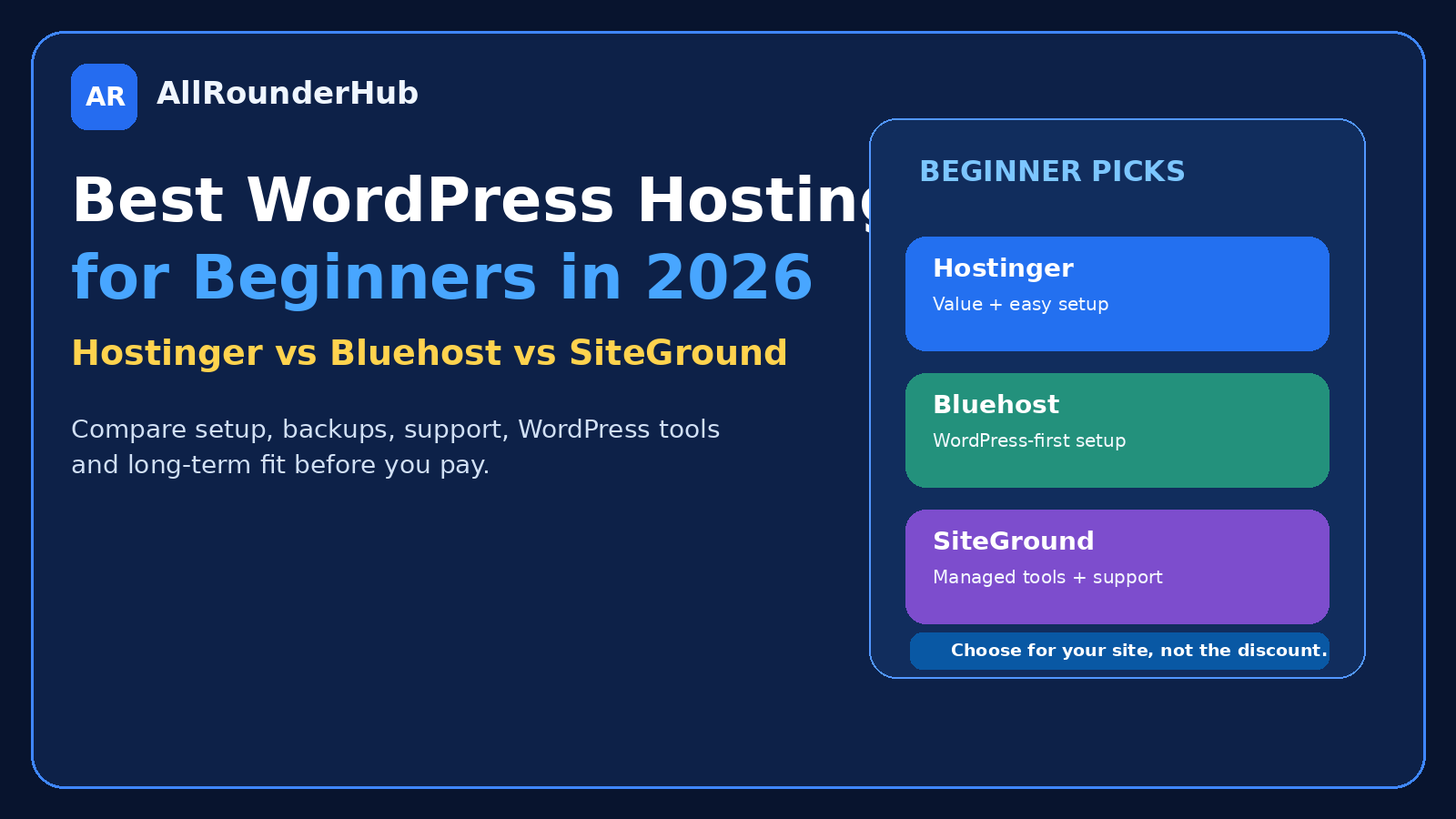
Hostinger: worth considering when value, easy setup and bundled website tools are high priorities.
Bluehost: worth considering when you want a WordPress-focused beginner setup from a provider with a long WordPress relationship.
SiteGround: worth considering when managed WordPress tools, staging, support and a more hands-off maintenance experience matter enough to justify comparing its longer-term cost carefully.
There is no reason to buy all the features.
There is every reason to understand the ones you will actually use.
What Beginners Really Need From WordPress Hosting
A first website usually does not need an enterprise server.
It does need a reliable foundation.
I would look for:
- easy WordPress installation;
- SSL;
- backups;
- current WordPress/PHP support;
- caching or performance tools;
- responsive support;
- a usable control panel;
- a clear renewal price;
- an upgrade path.
Everything beyond that should justify itself.
A provider can offer fifty AI features, but if you only need a blog and a contact form, those features should not decide the purchase.
1. Hostinger — Strong Value for Beginners Who Want a Lot Included
Hostinger’s current WordPress hosting offering emphasizes beginner-friendly setup, managed WordPress tools, automatic updates and bundled features such as domain/email allowances depending on the plan. Its current Indian pricing pages also distinguish between introductory pricing and higher renewal pricing, so the renewal figure deserves attention before committing to a long term. citeturn631853search0turn631853search2
Why Hostinger can make sense for a first website
The attraction is not one individual feature.
It is that several things a beginner needs can live in the same account.
You can start with WordPress, manage hosting, work with domains and use the provider’s setup tools without immediately assembling a complicated stack of separate services. Hostinger currently promotes quick-start WordPress creation and managed maintenance/security assistance as part of that experience. citeturn631853search11
That can be particularly useful for:
- new blogs;
- affiliate websites;
- small-business sites;
- portfolios;
- first WordPress projects.
The part I would check carefully
Do not judge Hostinger only by the introductory monthly number.
Its current pricing page clearly shows long-term promotional rates alongside separate renewal rates. citeturn631853search2
That is not unusual in hosting.
It simply means your comparison should use:
total initial payment + renewal cost + features you actually need.
A cheap first term is useful.
A plan you can comfortably keep is more useful.
Best fit
Hostinger makes the most sense to me for someone who says:
“I want to get a WordPress site online without spending too much or managing lots of separate technical systems.”
2. Bluehost — A WordPress-Focused Choice for Beginners
Bluehost currently markets managed WordPress hosting with WordPress preinstallation, automatic updates, support and additional setup tools. Its WordPress hosting page also highlights a free domain, SSL and migration on applicable plans. citeturn631853search3
Bluehost also states that it has been recommended by WordPress.org since 2005. citeturn631853search3
For a beginner, that history is less important than what the actual account feels like today.
The relevant question is whether the WordPress workflow is simple enough that you can focus on building the site instead of learning server administration.
Where Bluehost fits well
I would look at Bluehost for someone who wants a very WordPress-centred onboarding experience.
That may include:
- bloggers;
- first-time site owners;
- small businesses;
- users who want WordPress setup handled with guidance;
- users planning to grow into more WordPress-specific hosting later.
Its current hosting pages emphasize guided setup, WordPress compatibility and human support. citeturn631853search12turn631853search18
What to check before buying
As with every host in this comparison, compare the plan you are actually going to purchase.
Do not compare one company’s entry plan with another company’s higher managed tier and then conclude that one is automatically better.
Look at:
- websites allowed;
- storage;
- backups;
- email;
- migration;
- SSL;
- renewal price;
- support level.
A hosting comparison is useful only when you compare equivalent needs.
Best fit
Bluehost is worth considering if your main thought is:
“I want WordPress hosting that feels designed around WordPress from the beginning.”
3. SiteGround — Strong Managed WordPress Tools for People Who Want More Help From the Host
SiteGround’s current WordPress hosting offering includes one-click setup or transfer, automatic updates, CDN/caching, backups and 24/7 support. It also advertises staging and WordPress-specific management tools. citeturn631853search4turn631853search7
This is where SiteGround’s appeal becomes easier to understand.
Some site owners want hosting to be mostly invisible.
They do not want to think much about server-level maintenance.
They want the host to take care of more of the technical groundwork while they work on the website.
Managed WordPress hosting is specifically designed around that idea. SiteGround describes its managed offering as handling areas such as updates, security optimizations and performance-related maintenance. citeturn631853search4turn631853search19
Where SiteGround makes sense
I would consider it for:
- business websites;
- users who value support;
- people who want staging;
- users who prefer managed maintenance;
- growing WordPress sites.
Staging is especially useful once a website matters enough that you do not want to test every major change directly on the live version.
Where beginners should be careful
Do not pay for a managed feature simply because it sounds professional.
If you have one very simple blog and rarely make technical changes, some advanced convenience features may matter less to you.
Compare the ongoing cost against how much time those tools actually save.
Best fit
SiteGround is worth a closer look if your attitude is:
“I would rather pay for stronger WordPress management tools than spend extra time troubleshooting everything myself.”
Hostinger vs Bluehost: Which Is Better for a First Blog?
For a first content site, both are reasonable candidates.
I would make the decision based less on branding and more on the specific plan.
Hostinger currently places strong emphasis on bundled value, quick WordPress setup and its broader website-management ecosystem. citeturn631853search0turn631853search11
Bluehost emphasizes managed WordPress onboarding, automatic updates, WordPress-focused support and bundled setup features. citeturn631853search3
If the website is primarily:
- articles;
- affiliate content;
- basic pages;
- contact forms;
you probably do not need the most powerful plan from either company.
Start sensible.
Upgrade when the website gives you evidence that you need more.
Hostinger vs SiteGround: Value or Managed Convenience?
This comparison is easier when you think about what you are paying for.
Hostinger can appeal strongly to budget-conscious beginners and users wanting several tools bundled into one hosting account. citeturn631853search0turn631853search2
SiteGround places more emphasis on managed WordPress services such as auto-updates, caching/CDN, staging, backups and expert support. citeturn631853search4
If you enjoy managing your own WordPress setup and want to control costs, one side of that equation may appeal more.
If technical convenience is valuable to you, the other may.
Neither philosophy is wrong.
Bluehost vs SiteGround: Which Is Better for a Small Business?
For a business website, I would look harder at support and recovery than I would for a hobby blog.
A business owner may not care that one host offers five more gigabytes of storage.
They may care a lot if:
- a form stops working;
- a plugin update breaks something;
- the website needs restoring;
- a migration goes wrong.
Bluehost currently emphasizes managed WordPress support and guided setup, while SiteGround emphasizes managed WordPress services, staging, backups and 24/7 human support. citeturn631853search3turn631853search4
The better choice is the one whose support and management model fits how much technical work you want to handle yourself.
Do You Need Managed WordPress Hosting?
Not always.
WordPress can run on ordinary compatible web hosting.
Managed WordPress hosting generally adds WordPress-specific convenience such as installation, automatic updates, performance features, security assistance and specialized management tools. citeturn631853search8turn631853search13
That convenience is useful when you want it.
But the word managed should not automatically persuade you to pay more.
Ask what is actually being managed.
Then decide whether you value it.
Do You Need a Free Domain?
A free domain can be useful during the first year.
It should not determine the next five years of hosting.
If a plan includes one, great.
Still check:
- renewal price;
- ownership;
- transfer process;
- privacy;
- what happens if you leave the host.
Your domain is an asset separate from your hosting decision.
If you have not chosen one yet, read How to Choose a Domain Name in 2026: 15 Rules Before You Register before buying the first available name.
Backups Matter More Than Most “Bonus Features”
I would choose reliable backups over several flashy extras.
Ask each provider:
How often are backups made?
How long are they kept?
Can I restore the site myself?
Does my specific plan include them?
Do not assume every tier provides identical backup coverage.
A WordPress website becomes more valuable as you publish more content.
The backup strategy should grow with it.
Do Not Buy Based on Storage Alone
Beginners tend to compare hosting using numbers that are easy to understand.
Storage is one of them.
But a typical content website containing optimized images may not use huge amounts of disk space.
Performance can depend on far more:
- caching;
- server resources;
- database activity;
- plugins;
- images;
- theme quality;
- third-party scripts.
Twenty extra gigabytes you never use do not automatically make a host better.
Introductory Price vs Renewal Price
This deserves repeating because it can change the value of a hosting plan completely.
Hosting promotions often apply to the initial term.
Hostinger’s current Indian pricing page, for example, openly shows promotional pricing alongside separate renewal amounts. citeturn631853search2
Do the calculation before purchasing.
For example:
Initial contract cost ÷ number of months
then compare:
renewal rate × future months
A hosting service can still be good value after renewal.
You simply need to know what the real long-term number is.
Which Host Is Best for an Affiliate Website?
For a new affiliate content website, I would prioritize:
- good uptime;
- sensible performance;
- backups;
- SSL;
- easy WordPress management;
- support;
- affordable long-term cost.
You do not need a huge VPS because you published your first ten articles.
Start with a WordPress plan capable of comfortably running the site.
If traffic and resource use eventually justify an upgrade, upgrade.
Do not buy tomorrow’s infrastructure with today’s money.
Which Host Is Best for WooCommerce?
WooCommerce generally deserves a little more caution because the site is dynamic and directly connected to sales.
A small new shop can still start relatively modestly.
But as orders, products, plugins and customer activity increase, stronger hosting can become worthwhile.
All three providers currently offer WordPress-related hosting capabilities, while Bluehost and SiteGround also explicitly market WordPress/WooCommerce-oriented options. citeturn631853search6turn631853search22
For a serious store, compare the ecommerce-specific plan rather than assuming the cheapest blog plan is appropriate.
A Simple Decision Guide
Consider Hostinger if:
- budget matters;
- you are building your first site;
- you want bundled website tools;
- you want a relatively straightforward WordPress setup.
Consider Bluehost if:
- WordPress is definitely your platform;
- you want guided WordPress onboarding;
- you value a provider strongly focused on WordPress hosting.
Consider SiteGround if:
- managed WordPress convenience matters;
- you want staging and stronger site-management tools;
- support and hands-off maintenance are important.
What I Would Not Do
I would not buy hosting because a review says:
“This one is #1.”
I would not pay four years upfront without checking renewal pricing and refund terms.
I would not choose the largest plan because “unlimited” feels safer.
And I would not move an existing site that works perfectly well simply because another host has a temporary promotion.
Hosting should solve problems.
It should not create a new hobby of constantly changing servers.
Before You Buy: 10-Point Checklist
- How many websites will I host?
- Is WordPress installation easy?
- Is SSL included?
- What backup schedule does my exact plan include?
- What is the renewal price?
- Is email included or separate?
- What support can I access?
- Can I migrate my site later?
- Can I upgrade without rebuilding?
- Do I genuinely need the plan above the entry level?
If you can answer those ten questions, you are already making a more informed decision than somebody choosing only from the biggest discount banner.
Final Verdict
Hostinger, Bluehost and SiteGround can all make sense for WordPress beginners.
They simply emphasize different things.
Hostinger is particularly attractive when value and ease of getting started matter.
Bluehost makes sense for users who want a strongly WordPress-focused onboarding experience.
SiteGround is compelling when managed WordPress tools and support are priorities.
Do not ask:
“Which hosting company wins?”
Ask:
“Which hosting setup creates the least unnecessary work for my website and my budget?”
That answer will usually lead you to a better plan than any generic ranking.
Frequently Asked Questions
Which WordPress hosting is best for beginners?
There is no universal winner. Hostinger emphasizes easy WordPress setup and bundled value, Bluehost emphasizes managed WordPress onboarding, and SiteGround emphasizes managed WordPress tools and support. Compare the specific plan against your actual needs. citeturn631853search0turn631853search3turn631853search4
Is Hostinger good for WordPress?
Hostinger currently offers dedicated managed hosting for WordPress with quick setup, automatic updates and WordPress-focused tools. citeturn631853search0turn631853search11
Is Bluehost WordPress hosting?
Bluehost currently offers managed WordPress hosting with WordPress installation, automatic updates and other WordPress-related features. citeturn631853search3
Does SiteGround offer managed WordPress hosting?
Yes. SiteGround currently offers managed hosting for WordPress with features including installation/transfer, auto-updates, caching/CDN, support and additional management tools. citeturn631853search4
Should beginners buy VPS hosting?
Usually not unless the website has a specific requirement for the additional resources or server control. A managed or shared WordPress environment is generally simpler for a first content or business site.
Editorial Note
Hosting features, introductory prices, renewal rates and plan limits change frequently. Check the provider’s current official pricing page before purchasing.
Affiliate Disclosure
AllRounderHub may contain affiliate links. If you purchase a product or service through an eligible affiliate link, we may earn a commission at no additional cost to you. Affiliate relationships do not determine our editorial conclusions.
Leave a comment